
IPTV Catch-Up Explained: How It Works and How to Use It
This guide may contain affiliate links. If you buy through them we may earn a commission at no extra cost to you. As an Amazon Associate I earn from qualifying purchases. Learn more.
Lessons 9 of 9
Quick Overview: IPTV catch-up lets you watch programmes that already aired, straight from the TV guide, without recording them. It works only when two things are true: your IPTV provider keeps an archive for that channel (usually a few days), and your player supports catch-up. To use it, open the guide, scroll back to a past show on a channel marked for catch-up, and press play. This lesson explains how IPTV catch-up works, how it differs from timeshift and recording, and which players support it.
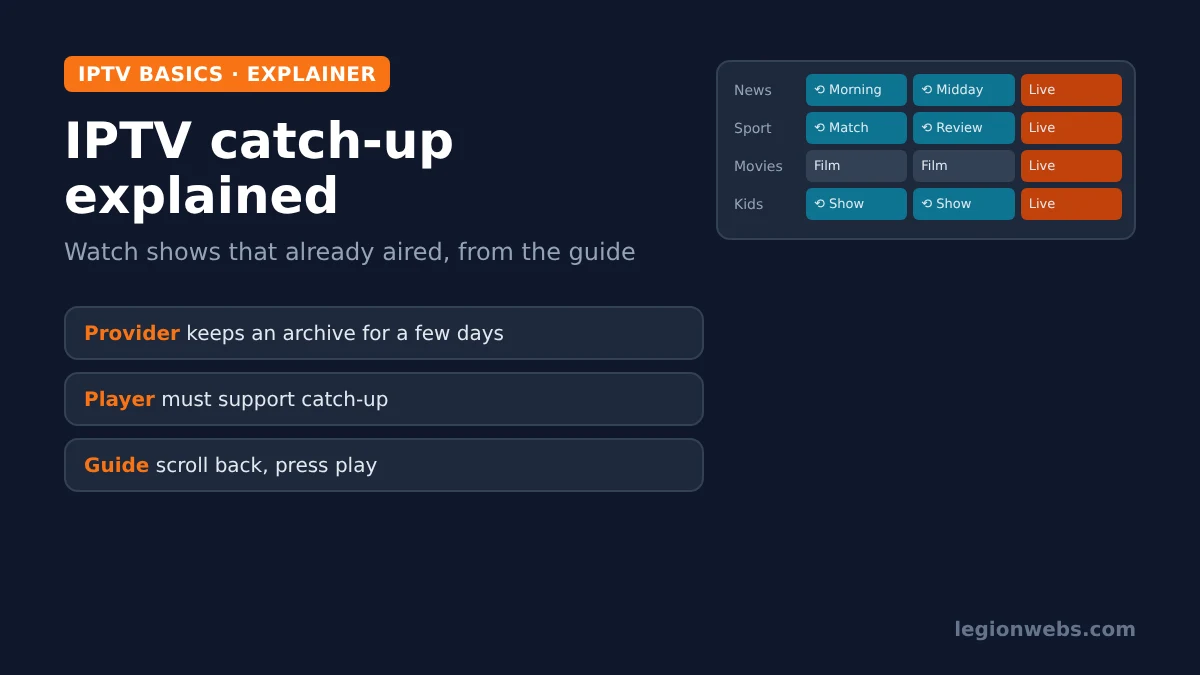
Missed the match last night or the start of a film? With cable TV you would need a recorder. With IPTV, many channels let you scroll back in the guide and simply play the show. This feature is called catch-up, sometimes also “archive” or “TV archive”, and it is one of the most useful things IPTV can do. However, it is also one of the most misunderstood, because it depends on both your provider and your player.
New to the terms in this lesson? Our IPTV glossary explains EPG, Xtream Codes and the rest.
What is IPTV catch-up?
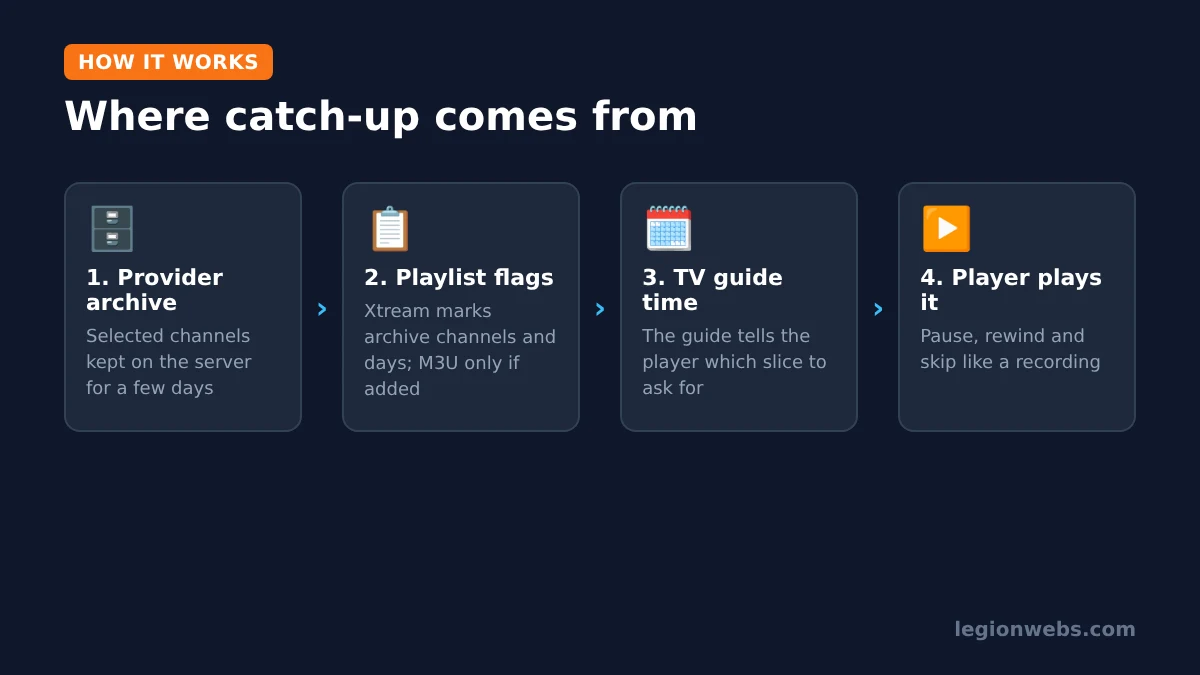
IPTV catch-up is a provider-side archive of recent broadcasts. The provider records selected channels on its servers and keeps them for a set number of days. Your player then uses the TV guide to find a past programme and asks the provider’s server for that slice of the archive. Because the recording lives on the provider’s side, you need no storage and no planning: if the channel has catch-up, past shows are simply there.
IPTV catch-up vs timeshift vs recording
These three features are often mixed up. In short, they differ in where the video is stored and how far back you can go:
| Feature | What it does | Stored where | How far back | Needs |
|---|---|---|---|---|
| Catch-up | Play shows that already aired, from the guide | Provider’s servers | Usually a few days, set by the provider per channel | Provider archive + player support |
| Timeshift | Pause, rewind or restart the programme you are watching | Provider archive or a local buffer | Minutes to the start of the current show | Player support (and often the archive) |
| Recording | Save a show to keep and watch later | Your device or USB storage | As long as you keep the file | Player support + free storage |
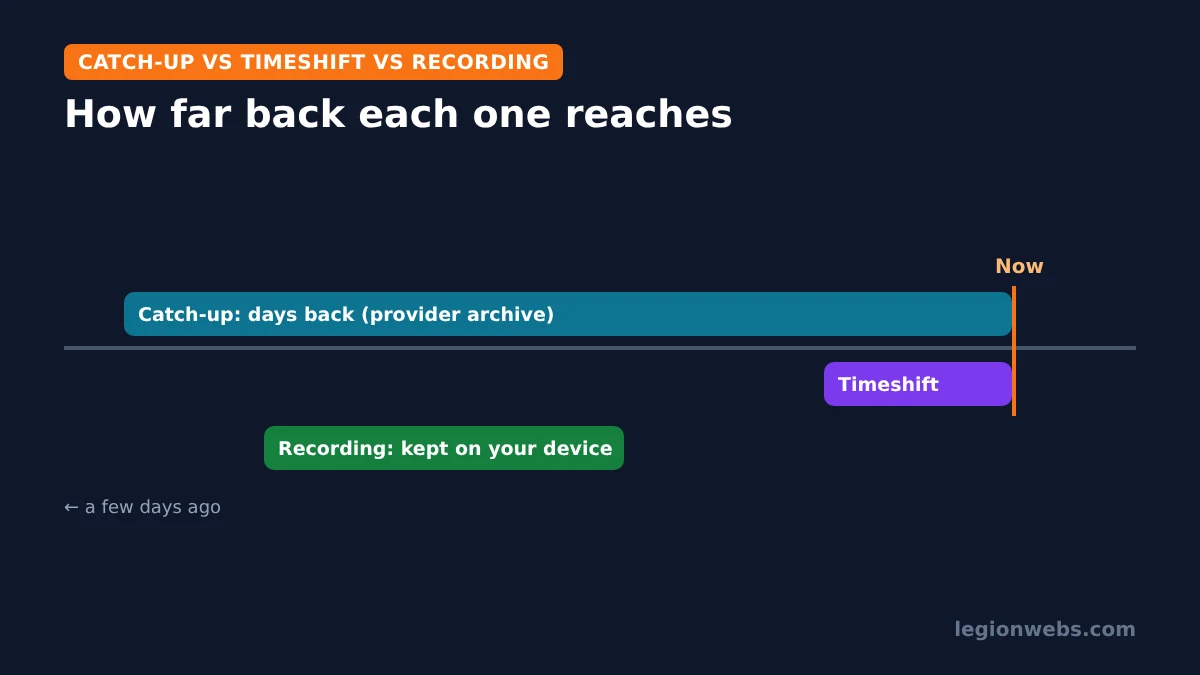
Consequently, catch-up is ideal for “I missed it”, while recording is better for anything you want to keep beyond the archive window. In TiviMate, both need TiviMate Premium.
How IPTV catch-up works behind the scenes
You never need to type any of this, but knowing it helps when catch-up does not show up. According to UniPlayer’s catch-up specification, which documents the common formats:
- Xtream Codes playlists: the provider marks each channel with an archive flag (on or off) and an archive length in days. A player that supports catch-up reads these and requests the past programme from the provider’s archive.
- M3U playlists: each channel line can carry catch-up settings, such as the catch-up type and the number of archive days. If a provider’s M3U has no catch-up information, the player cannot offer catch-up for those channels.
Because of this, catch-up usually works more reliably with Xtream Codes logins than with M3U links. If you have the choice, use Xtream Codes; see M3U vs Xtream Codes. Equally important, catch-up needs a working TV guide, because the player finds the past programme by its guide time. If your guide is empty, fix that first with EPG not loading.
Which players support IPTV catch-up?
| Player | Devices | Catch-up |
|---|---|---|
| TiviMate | Android TV, Fire TV | Yes, with TiviMate Premium |
| IPTVX | iPhone, iPad, Apple TV, Mac | Yes (listed as TV archive/catch-up) |
| iPlayTV | Apple TV | Yes, with Xtream Codes playlists |
| MyIPTV Player | Windows | Yes, with Xtream Codes |
For player setup, see TiviMate on Firestick, IPTV on Apple TV and IPTV on PC.
How to use IPTV catch-up
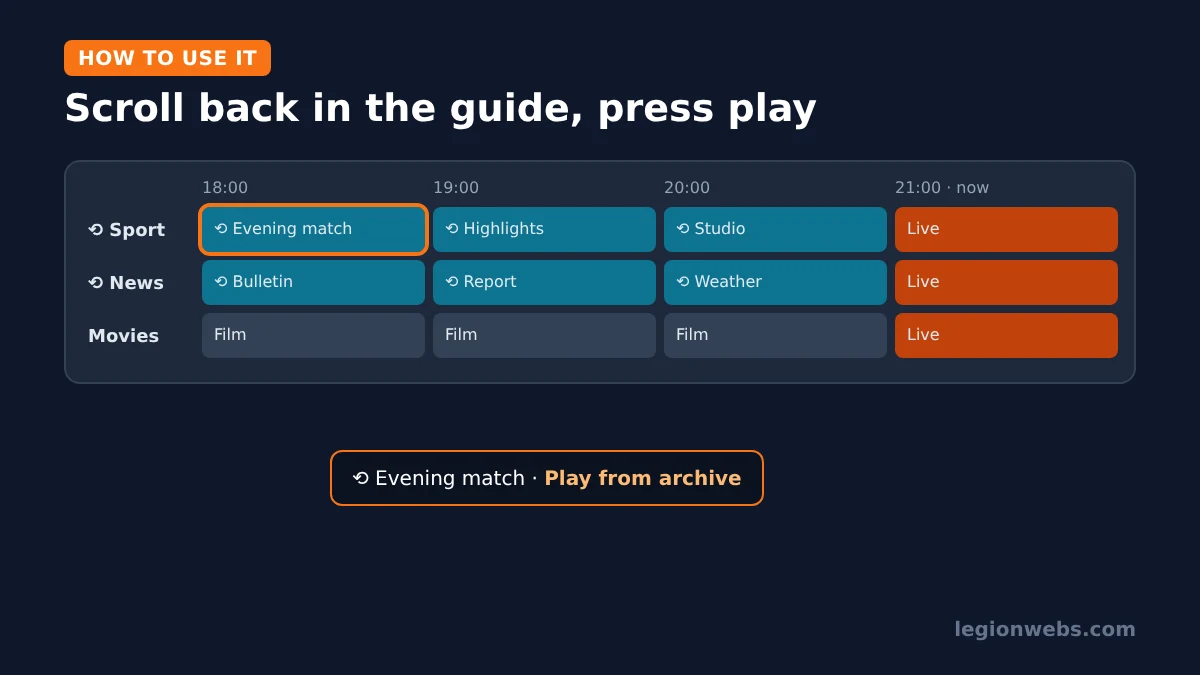
The exact buttons differ between players, but the steps are almost always the same:
- Open the TV guide in your player.
- Find a channel that supports catch-up. Many players mark these channels or programmes with a small archive or clock icon.
- Scroll left (back in time) to the programme you missed.
- Select it and choose Play (or Watch from archive, depending on the player).
- Use pause, rewind and fast-forward as with any recording.
When to use catch-up, and when to record instead
- Use catch-up when you simply missed something in the last few days: a match, a news bulletin or the start of a film. There is nothing to set up, and it uses no storage.
- Record instead when you want to keep a show for longer than the archive window, when the channel has no catch-up, or when you want to watch offline later.
- Use timeshift when you are watching live and need to pause for a moment or rewind a goal.
In practice, most viewers use catch-up far more than recording, because it needs no planning. However, archives can be shortened or switched off by the provider at any time, so record anything that really matters to you.
Does catch-up use more data or speed?
No more than live TV. A catch-up stream is the same picture quality as the live channel, so it uses about the same bandwidth and data per hour. Therefore, the speed you need for live channels also covers catch-up. On the other hand, archive servers can be busier than live ones at peak times, so an occasional slow start is normal.
IPTV catch-up not working? Quick fixes
| Problem | Likely cause | Fix |
|---|---|---|
| No catch-up option anywhere | Player or plan does not support it | Use a player with catch-up; in TiviMate, catch-up needs Premium |
| Catch-up on some channels only | Provider archives selected channels only | Normal; ask your provider which channels have an archive |
| Option missing with an M3U link | M3U has no catch-up information | Add the same subscription as Xtream Codes instead |
| Wrong programme plays | Guide time offset or wrong time zone | Fix the device time zone and the EPG time shift |
| Catch-up buffers more than live | Archive server busy or slow connection | Try later; check your speed with internet speed for IPTV |
| Show too old to play | Outside the archive window | Record shows you want to keep longer |
Choosing a provider? If catch-up matters to you, ask before you buy which channels have an archive and for how many days. Our guide on how to choose an IPTV service lists other questions worth asking. As always, choose a provider that is licensed to offer its channels.
IPTV catch-up: FAQ
Does every IPTV channel have catch-up?
No. Providers choose which channels to archive and for how long. Many offer catch-up on popular channels only.
How many days back can I watch?
It depends on the provider and the channel; a few days is common. Your player usually shows how far back the guide goes for each channel.
Do I need storage for catch-up?
No. Catch-up plays from the provider’s archive. Only recording needs storage on your device.
Is catch-up free in TiviMate?
No, catch-up is a TiviMate Premium feature. See TiviMate Premium for what else it unlocks.
Why does catch-up work with Xtream but not M3U?
Xtream Codes tells the player which channels have an archive. An M3U link only does so if the provider adds catch-up details to it.
What’s next
- IPTV glossary: catch-up, timeshift, EPG and other terms explained.
- TiviMate Premium: unlock catch-up and recording in TiviMate.
- How to add EPG to IPTV: catch-up needs a working guide.
- M3U vs Xtream Codes: why Xtream works better for catch-up.
Free download
Firestick + IPTV Setup Checklist
Two printable pages: install, login, the settings that make it faster and quick fixes for buffering and an empty guide.
We'll send occasional new guides. No spam, unsubscribe any time. Privacy