
TiviMate vs IPTV Smarters: Which IPTV Player Is Best? (2026)
This guide may contain affiliate links. If you buy through them we may earn a commission at no extra cost to you. As an Amazon Associate I earn from qualifying purchases. Learn more.
Lessons 6 of 8
Quick Overview: In the TiviMate vs IPTV Smarters choice, pick TiviMate if you mostly watch live TV and sports, because its TV guide and channel switching feel like a cable box, and Premium adds recording and multiview. Pick IPTV Smarters if you want a free player that is easy to set up and strong for movies and series. If you want a free player with a proper guide, OTT Navigator sits in between. All three use the same login from your provider, so you can try each one.
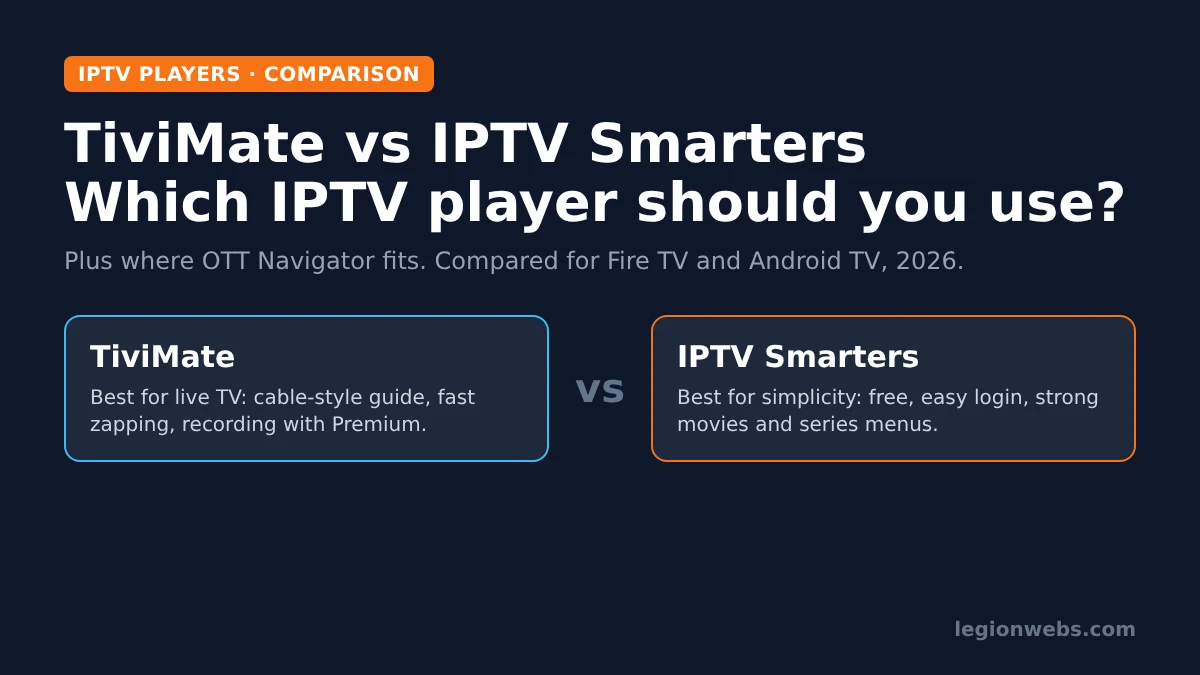
TiviMate and IPTV Smarters are the two most popular IPTV players on Fire TV and Android TV. Both play the same subscriptions, yet they feel very different in daily use. As a result, TiviMate vs IPTV Smarters is less about which app is “better” and more on what you watch most.
In this lesson, we compare them feature by feature: setup, TV guide, live TV, movies and series, recording, price and device support. We also show where OTT Navigator fits, because many people end up choosing it instead.
Good to know: none of these apps include channels. They only play the playlist from your IPTV provider, so use a service that is licensed to offer its content. Paid upgrades unlock app features only, never channels.
TiviMate vs IPTV Smarters: the short verdict
| If you… | Choose | Why |
|---|---|---|
| Watch mostly live TV, news and sports | TiviMate | Best TV guide and the fastest channel switching |
| Watch mostly movies and series | IPTV Smarters | Clear movie and series menus with posters and details |
| Want everything free | IPTV Smarters or OTT Navigator | No paid upgrade needed for daily use |
| Want to record shows | TiviMate Premium | Recording is built in and easy to schedule from the guide |
| Want the easiest setup for a family member | IPTV Smarters | Simple login screen, large buttons |
| Have a very large playlist | TiviMate or OTT Navigator | Both handle thousands of channels smoothly |
What is TiviMate?
TiviMate is an IPTV player built for TV screens. It opens straight into a live channel with a full TV guide grid, much like a cable or satellite box. Therefore, people who grew up with traditional TV usually feel at home in minutes.
The free version plays one playlist with the guide. TiviMate Premium is a paid upgrade that adds features such as multiple playlists, recording, catch-up controls, multiview and more customisation. According to its official app listing, it supports M3U, Xtream Codes and Stalker portal logins. TiviMate runs on Android-based devices only, so it works on Fire OS and Android TV but not on iPhone, Windows or Vega OS Fire TVs.
What is IPTV Smarters?
IPTV Smarters Pro is a free IPTV player with a menu-style home screen: Live TV, Movies, Series and Catch-up each have their own section. Consequently, it feels more like a streaming app than a cable box, which suits people who watch on demand.
It works with Xtream Codes logins and M3U links, and it is available on more platforms than TiviMate, including Android, Fire TV, iPhone and iPad, and computers, depending on the version. Its main weakness is the TV guide, which is simpler and slower to browse on large playlists.
TiviMate vs IPTV Smarters: feature comparison
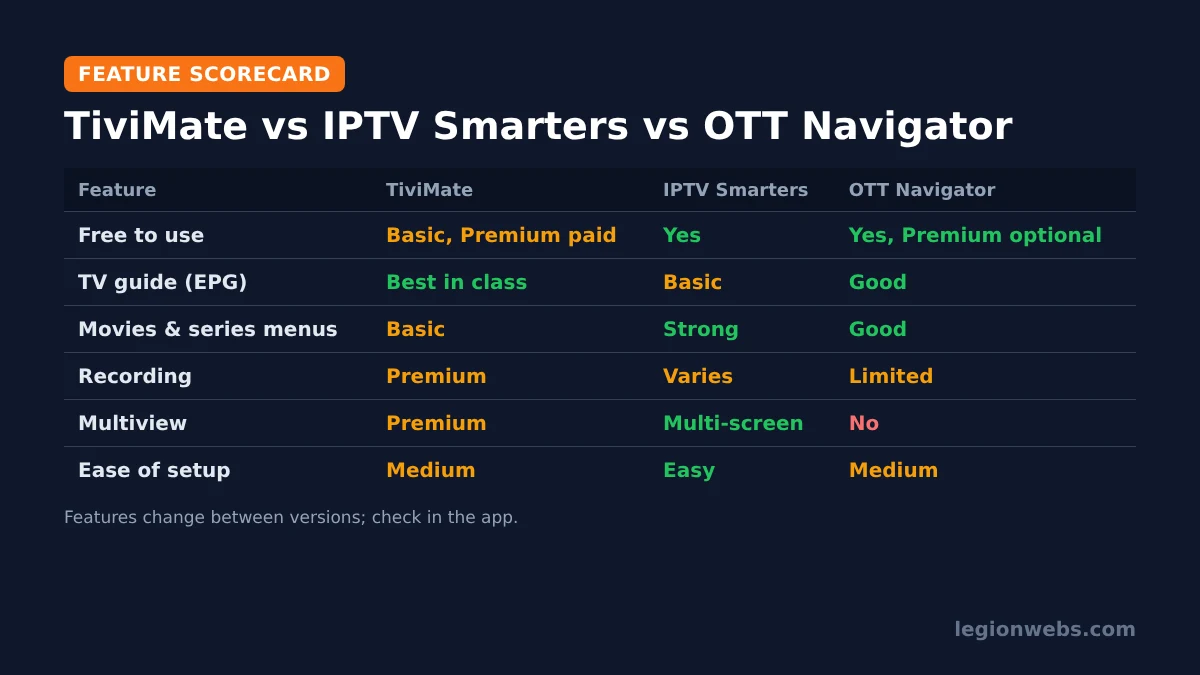
| Feature | TiviMate | IPTV Smarters Pro | OTT Navigator |
|---|---|---|---|
| Price model | Free basic, paid Premium | Free | Free, optional Premium |
| Login types | M3U, Xtream Codes, Stalker | Xtream Codes, M3U | M3U, Xtream Codes, Stalker |
| TV guide | Full grid, best in class | Basic | Full grid, good |
| Channel switching | Very fast | Slower on big playlists | Fast |
| Movies and series | Basic lists | Strong, with posters and details | Good |
| Catch-up | Yes (if your provider offers it) | Yes (if your provider offers it) | Yes (if your provider offers it) |
| Recording | Premium | Varies by version | Limited |
| Multiview | Premium | Multi-screen | No |
| Multiple playlists | Premium | Yes (multiple users) | Yes |
| Install on Fire TV | Downloader | Downloader | Downloader |
| Other platforms | Android only | Android, iOS, computers | Android only |
| Ease of setup | Medium | Easy | Medium |
Setup and login
IPTV Smarters wins on setup. You choose “Login with Xtream Codes API”, type the name, username, password and server URL from your provider, and the app loads everything, including the guide. For a parent or grandparent, that simplicity matters.
TiviMate asks a few more questions: playlist type, playlist name, and whether to load the guide and VOD. However, each screen explains itself, and the whole process still takes about five minutes. Our step-by-step lessons cover both: TiviMate on Firestick and IPTV Smarters Pro on Firestick.
TV guide and live TV
This is where TiviMate pulls ahead. Its guide grid scrolls smoothly, even with thousands of channels, and you can jump between channel groups, mark favourites and set reminders from the guide. In addition, pressing up and down on the remote switches channels almost instantly, just like a TV box.
IPTV Smarters shows the guide too, but it is laid out as a list, and loading large guides takes longer. For a few evening shows, that is fine. For someone who flicks through 20 sports channels on a Saturday, it quickly becomes frustrating. If your guide is empty in either app, see our lesson on EPG not loading.
Movies and series
IPTV Smarters is stronger here. Movies and series get their own sections with posters, descriptions, ratings and a clear season and episode list. It also remembers where you stopped, so continuing a series takes one click.
TiviMate can show movies and series, but they appear as simpler lists. Many TiviMate users therefore keep a second app for on-demand content. OTT Navigator does a better job than TiviMate here, which is one reason it is a popular all-rounder.
Recording, catch-up and multiview
- Recording: TiviMate Premium can record live channels and schedule recordings from the guide. Recording in IPTV Smarters depends on the version and device, so check in the app before you rely on it.
- Catch-up: all three players support catch-up, but only when your provider offers it for that channel. The player cannot add catch-up on its own.
- Multiview: TiviMate Premium shows several channels on one screen. IPTV Smarters has a similar multi-screen mode. On a Fire TV Stick, however, playing several streams at once is demanding, so expect it to work best on faster devices.
Price and value
IPTV Smarters is free, and OTT Navigator is free to use with optional extras. TiviMate’s free version is usable, but most of what makes it special needs Premium, which is a paid upgrade. Prices and plans change, so check the current price inside the app before you buy.
In short, on price the TiviMate vs IPTV Smarters question is simple: TiviMate Premium is worth it if live TV is your main use. If you mostly watch movies and series, you will get more value from a free player.
Device support, including Vega OS
On Fire TV, you install all three players with Downloader, because none of them comes from the Amazon Appstore. If you have not set it up yet, follow our lesson on installing Downloader on Firestick.
Newer Fire TV models that run Vega OS cannot install apps from outside the Appstore, so none of these players work there. Our guide to Vega OS Fire TV models lists which devices are affected. On iPhone, iPad or a computer, IPTV Smarters is the only one of the three with an official version.
Where does OTT Navigator fit?
OTT Navigator combines a proper TV guide with good movie and series menus, and it is free to use. Because of that, it is a strong choice if you like TiviMate’s guide but do not want to pay for Premium. Its menus are busier than both rivals, though, so it takes a little longer to learn. Our lesson on OTT Navigator on Firestick walks through the setup.
Which IPTV player should you choose?
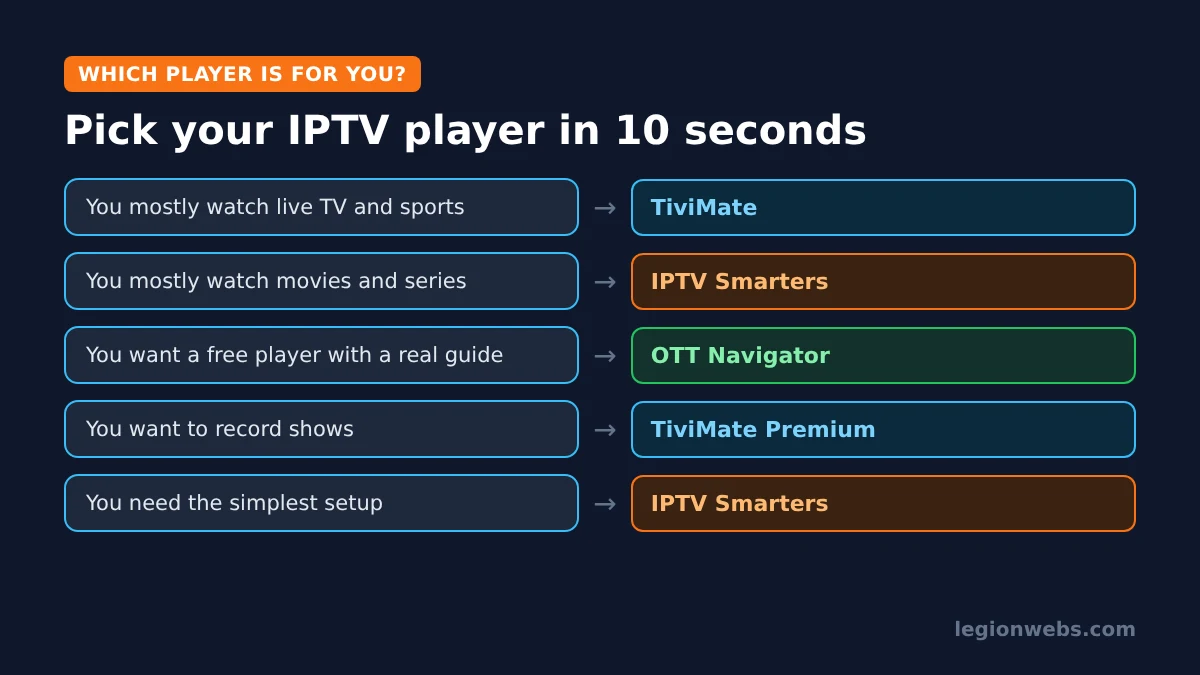
Since all three use the same login details, the easiest way to settle TiviMate vs IPTV Smarters is to try them. Install IPTV Smarters first, because it is free and quick, and then add TiviMate’s free version with the same login. After a week, you will know which one you open without thinking. Keeping two players is fine, but remove the ones you stop using to save space.
How to switch from IPTV Smarters to TiviMate
Moving between players is easy, because your subscription belongs to your provider, not to the app. Before you switch, however, write down your login details so you do not get locked out.
- In IPTV Smarters, open your user profile and note the server URL, username and password. Alternatively, find them in your provider’s welcome email.
- Install TiviMate with Downloader, as shown in our TiviMate lesson.
- In TiviMate, add a playlist, choose Xtream Codes and enter the same details.
- Let TiviMate load the channels and the guide, then mark your favourite channels again, because favourites do not transfer between apps.
- Once you are happy, uninstall IPTV Smarters if you no longer need it.
The same steps work in the other direction, and also for OTT Navigator. In every case, only one app should stream at a time unless your plan allows several connections.
First settings to change in each player
- TiviMate: turn on automatic EPG updates, hide channel groups you never watch, and set your favourites list as the start-up group. As a result, the guide stays short and fast.
- IPTV Smarters: set the EPG time shift if the guide is off, choose your preferred player in the settings if streams stutter, and create a separate user for each family member.
- OTT Navigator: hide unused categories and check the buffer settings. A slightly larger buffer often helps on a busy home network.
Frequently Asked Questions
Is TiviMate better than IPTV Smarters?
For live TV, yes: its guide and channel switching are better. For movies and series, and for a free and simple setup, IPTV Smarters is the better fit.
Can I use the same IPTV login in TiviMate and IPTV Smarters?
Yes. Both accept the same Xtream Codes details or M3U link. However, some providers limit how many devices or connections can play at once, so do not stream on both at the same time unless your plan allows it.
Do TiviMate or IPTV Smarters come with channels?
No. They are players only. Channels come from your IPTV subscription, so choose a licensed provider.
Which player is lightest on a Fire TV Stick Lite?
All three run on a Lite. With very large playlists, however, TiviMate and OTT Navigator usually stay smoother than IPTV Smarters. For general tips, see how to fix IPTV buffering on Firestick.
What’s next
- See our full ranking of the best IPTV apps for Fire Stick.
- Not sure which login type you have? Read M3U vs Xtream Codes.
- Choosing a provider? Start with how to choose an IPTV service.
Free download
Firestick + IPTV Setup Checklist
Two printable pages: install, login, the settings that make it faster and quick fixes for buffering and an empty guide.
We'll send occasional new guides. No spam, unsubscribe any time. Privacy