
What Devices Support IPTV? Every Option Compared
This guide may contain affiliate links. If you buy through them we may earn a commission at no extra cost to you. As an Amazon Associate I earn from qualifying purchases. Learn more.
Lessons 4 of 5
Quick Overview: Almost any screen can play IPTV: streaming sticks, smart TVs, Android boxes, phones, tablets and computers. The best IPTV devices are the ones that run good player apps and have enough memory for large playlists. This lesson compares the main IPTV devices and links to the setup guide for each one.
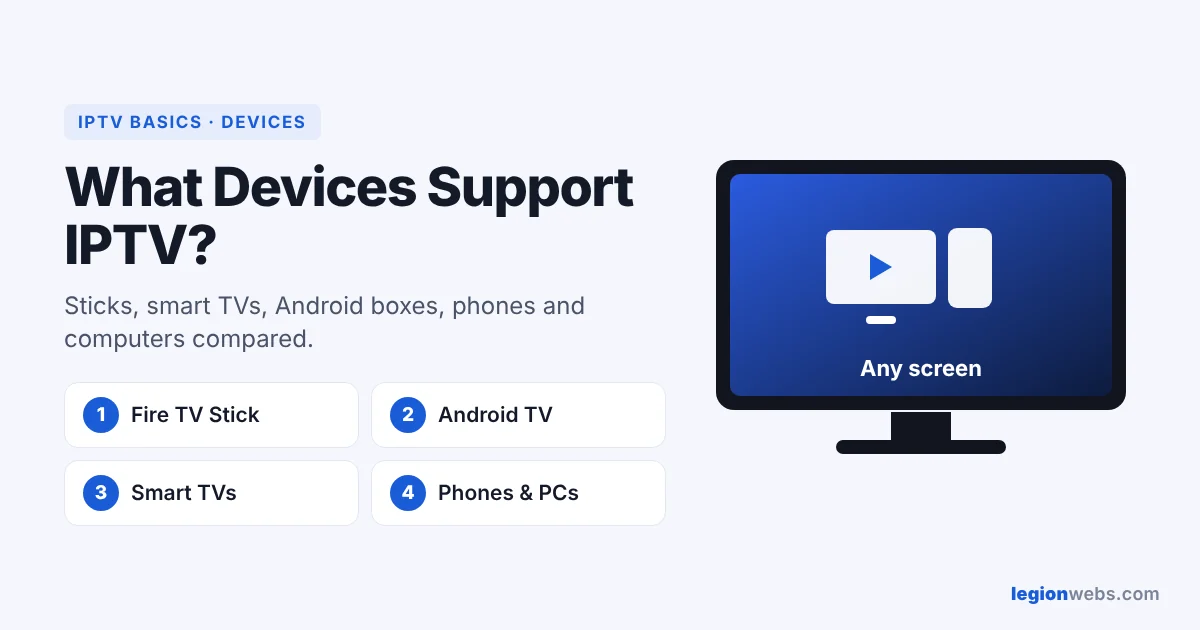
IPTV only needs an internet connection and a player app, so you probably own a compatible device already. However, the experience differs a lot. A cheap old stick may lag with a big playlist, while a newer device opens the TV guide instantly. Below, you can compare IPTV devices at a glance, and then pick the guide for yours.
IPTV devices compared
| Device | Best players | Good for | Setup guide |
|---|---|---|---|
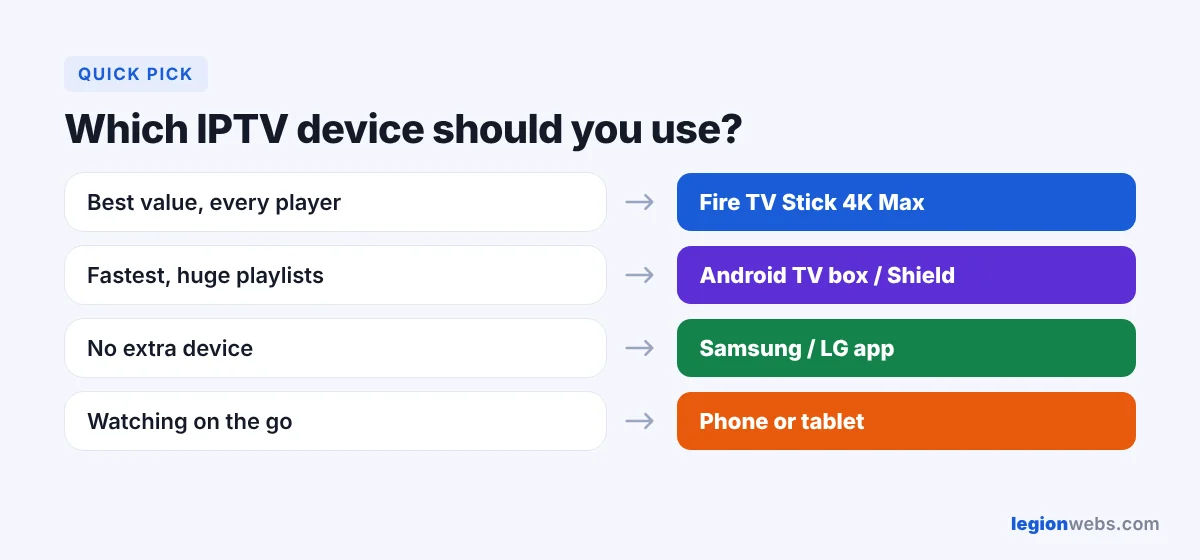
| Fire TV Stick 4K Max / 4K Plus | TiviMate, IPTV Smarters, OTT Navigator | Most people; cheap and powerful | IPTV on Firestick |
| Fire TV Stick 4K Select (Vega OS) | Appstore apps only | Mainstream apps, not sideloaded players | 4K Max vs 4K Select |
| Android TV / Google TV box | TiviMate, OTT Navigator | Power users, big playlists | IPTV on Android TV |
| Samsung and LG smart TVs | Smart IPTV, IBO Player, SS IPTV | No extra device | IPTV on Smart TV |
| Phones and tablets | IPTV Smarters, OTT Navigator | Watching on the go | Install from your app store |
| Windows and Mac | VLC, desktop players | Testing a link, watching at a desk | Open the M3U link in VLC |
Best IPTV device for most people
For most homes, the Fire TV Stick 4K Max is the best value. It runs every popular player, has 2 GB of memory for large playlists, and supports Wi-Fi 6E. In addition, it plugs into any TV with HDMI, so you can move it between rooms. Avoid Vega OS models such as the 4K Select if you want TiviMate or IPTV Smarters, because they cannot install apps from outside the Appstore.
What makes a good IPTV device
- App support: it must run a good player. Android-based devices have the widest choice.
- Memory: 2 GB of RAM or more keeps big playlists and TV guides smooth.
- Network: an Ethernet port or modern Wi-Fi (Wi-Fi 6) reduces buffering.
- Video support: 4K and HDR only matter if your TV and service support them.
Tips for IPTV devices on any screen
- Use a cable or the 5 GHz Wi-Fi band whenever you can.
- Keep the device and the player app updated.
- Clear the player’s cache now and then; see how to clear cache on Firestick.
- Check how many connections your plan allows before watching on several devices at once.
If you use a MAG box, 8K IPTV Group has a step-by-step MAG box IPTV setup guide.
Using a Formuler box instead? IPTV SUBC’s Formuler MyTV Online setup guide covers portals, Xtream Codes and M3U links.
Frequently Asked Questions
Can I watch IPTV on my phone?
Yes. Install a player from your app store and add your login. Keep in mind that each phone counts as a connection.
Which IPTV devices support 4K?
The Fire TV Stick 4K Max, 4K Plus, Fire TV Cube, most Android TV boxes and recent smart TVs. You also need a 4K TV and 4K streams from your service.
Do I need a separate box if I have a smart TV?
Not always. Samsung and LG TVs have IPTV apps, but the choice is small. As a result, many people add a Fire TV Stick for better players.
For background on how the technology works, see Internet Protocol television on Wikipedia.
What’s next
Pick your IPTV device, then follow its guide: Firestick, Android TV or Samsung and LG. New to IPTV? Read What Is IPTV? first.