
How to Choose an IPTV Service: 10-Point Checklist
This guide may contain affiliate links. If you buy through them we may earn a commission at no extra cost to you. As an Amazon Associate I earn from qualifying purchases. Learn more.
Lessons 3 of 5
Quick Overview: To choose an IPTV service you can rely on, check ten things before you pay: licensing, channel list, stream quality at peak time, uptime, device support, connections, catch-up and EPG, payment, support and refund terms. This lesson turns those into a simple checklist you can run during a free trial, so you avoid services that buffer, vanish or take your money.
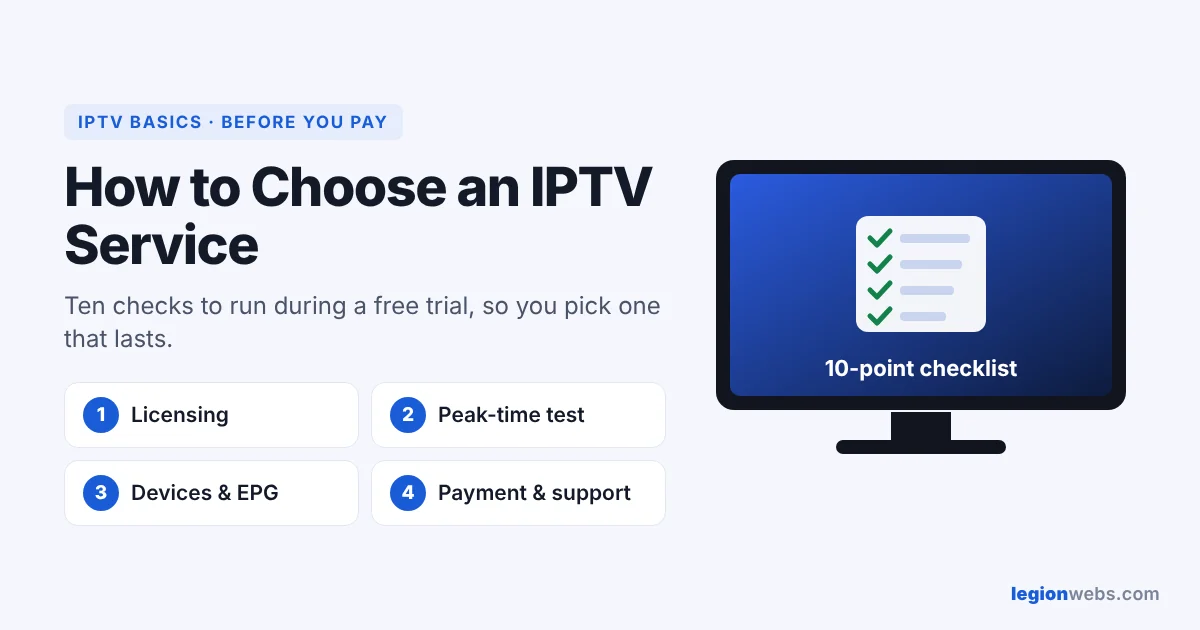
There are hundreds of IPTV services, and most sales pages look the same: huge channel numbers, “4K”, “no buffering”. Unfortunately, those claims say little. Instead of trusting rankings, test a service yourself against a clear checklist. That way you choose an IPTV service based on how it actually performs on your TV and your connection.
How to choose an IPTV service: the 10-point checklist
| # | Check | What good looks like |
|---|---|---|
| 1 | Licensing and company | Real company name, terms of service, contact address |
| 2 | Channel list | The channels you actually watch, listed before you pay |
| 3 | Peak-time quality | Smooth live sports and news in the evening |
| 4 | Uptime | No repeated outages during your trial week |
| 5 | Device support | Works on your Fire TV, smart TV or phone |
| 6 | Connections | Enough simultaneous streams for your household |
| 7 | EPG and catch-up | A complete TV guide; catch-up if you want it |
| 8 | Payment | Card or PayPal, not only crypto or gift cards |
| 9 | Support | Replies within hours, in a language you speak |
| 10 | Trial and refunds | A free or cheap trial and clear refund terms |
Check 1: Choose a licensed IPTV service
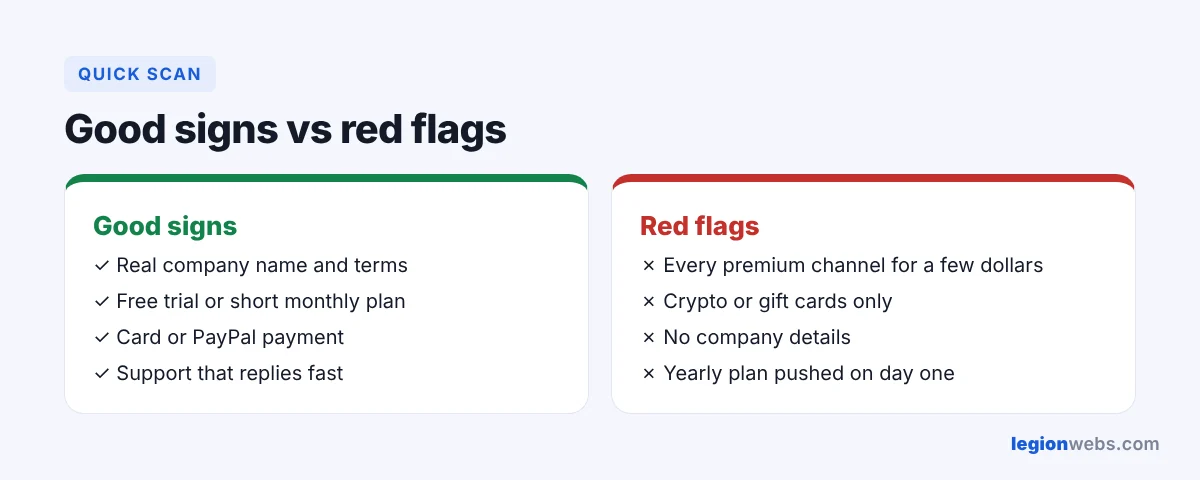
This matters most. Licensed services pay for the channels they carry; unlicensed ones resell them without permission. As a result, unlicensed services are illegal in many countries, often get shut down, and leave customers with nothing. Look for a real business name, a physical address and proper terms. If a price looks too good to be true for “every premium channel in the world”, it usually is.
Checks 2–4: Test quality during a free trial
- Make a list of the 10 channels you watch most, and confirm each one is there.
- Watch at peak time: a big match or the evening news shows whether the servers cope with heavy traffic.
- Test for a week, not an hour. Note any outages or freezes and when they happen.
- Rule out your own setup: if streams buffer, follow How to Fix IPTV Buffering first, so you judge the service fairly.
Checks 5–7: Devices, connections and the TV guide
Next, make sure the service gives you a login that your player accepts. Ideally, you get Xtream Codes details, because they load the TV guide and on-demand library automatically (see M3U vs Xtream Codes). Also, count the TVs and phones in your home that may watch at the same time, and pick a plan with enough connections.
Checks 8–10: Payment, support and refunds
- Pay with protection: cards and PayPal let you dispute a charge; crypto and gift cards do not.
- Test support during the trial: ask a simple question and see how fast they answer.
- Start monthly. Even if a yearly plan is cheaper, wait until the service has proved itself for a month or two.
Regional restrictions and VPNs
Some channels are only licensed for certain countries, so a service may limit them by location. A VPN changes your visible location and protects your privacy, and it can also help when your internet provider slows down streams. However, a VPN does not make an unlicensed service legal. See How to Install a VPN on Firestick.
Also check how many devices can watch at the same time. Some providers, such as 8K IPTV Group with its IPTV plans for up to 5 connections, let a whole household stream at once.
Frequently Asked Questions
What is the best IPTV service?
The best one is the licensed service that carries your channels and stays smooth at peak time on your connection. That is why a trial against this checklist beats any ranking.
How much should IPTV cost?
Prices vary by country and channel package. Be careful with very low prices for huge premium line-ups, since they often signal an unlicensed service.
Does every IPTV service buffer sometimes?
Short, rare buffering can happen anywhere. In contrast, buffering every evening during your trial is a clear sign to choose another service.
What’s next
Ready to test? Run this checklist with a free IPTV trial, then set it up with IPTV on Firestick. Still deciding? Compare IPTV vs Cable TV.