
IPTV on Apple TV: Best Players and Setup Guide
This guide may contain affiliate links. If you buy through them we may earn a commission at no extra cost to you. As an Amazon Associate I earn from qualifying purchases. Learn more.
Lessons 17 of 17
Quick Overview: To watch IPTV on Apple TV, open the App Store on your Apple TV 4K or Apple TV HD, install an IPTV player such as IPTVX, UHF, Smarters Player Lite or iPlayTV, and add the Xtream Codes login or M3U link from your provider. Type the long details with your iPhone instead of the Siri Remote, let the TV guide load, then turn on Match Content for the smoothest picture. Setup takes about 15 minutes.
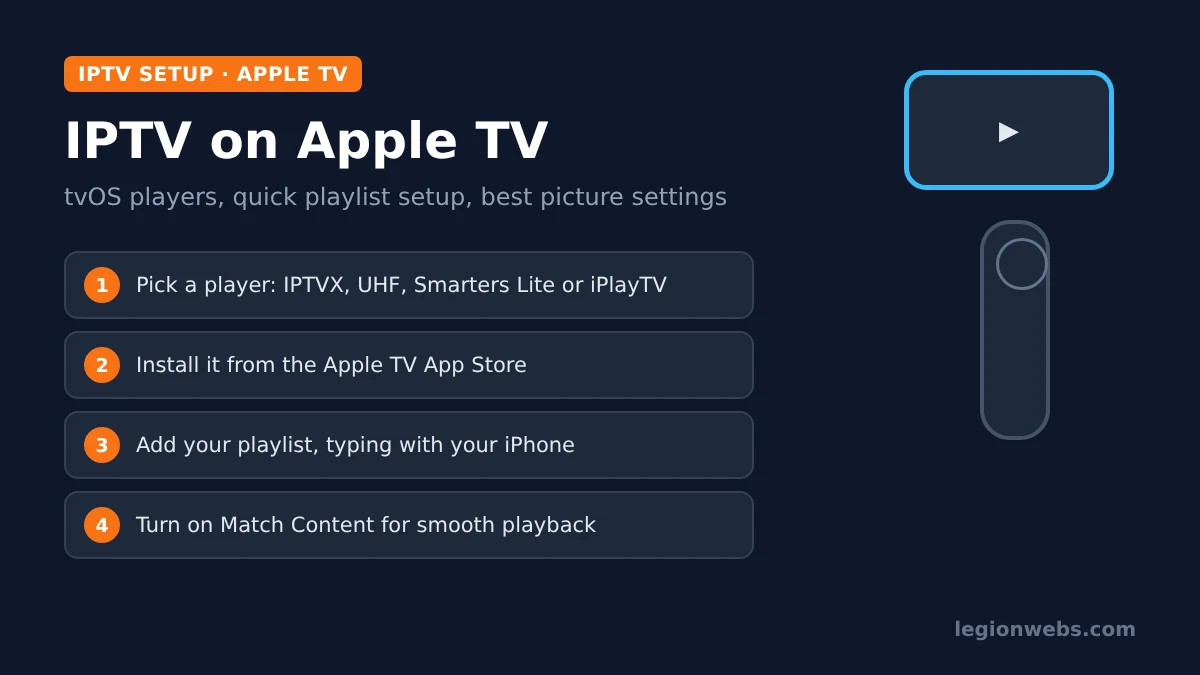
The Apple TV is one of the smoothest boxes for IPTV: it is fast, it rarely needs a restart, and its players feel polished. However, there is no TiviMate or IPTV Smarters Pro as you know them from Fire TV, and typing a server address with the Siri Remote is slow. In this lesson, you will pick the right tvOS player, add your subscription the easy way, and set up the Apple TV for the best picture and sound.
Good to know: IPTV players have no channels of their own; every app below says so in its listing. They play the playlist from your IPTV provider, so only use a service that is licensed to offer its channels.
What you need
- An Apple TV 4K or Apple TV HD (the older Apple TV 3rd generation has no App Store, so it cannot install IPTV players)
- Your playlist details: Xtream Codes server, username and password, or an M3U link
- An iPhone or iPad on the same Wi-Fi, to type long details quickly (optional but recommended)
- About 15 minutes
Step 1: Choose an IPTV player for Apple TV
These four players are listed in the Apple TV App Store and support the two playlist types providers use. Prices change, so check the current price in the App Store before you buy.
| Player | Developer | Price model | Needs | Stand-out features |
|---|---|---|---|---|
| IPTVX | Bending X – FZE | Free, with paid upgrades | tvOS 16 or later | TV guide grid, catch-up, multi-screen, iCloud sync with iPhone |
| UHF – Love your IPTV | Short Wavelength Applications SL | Free, with paid PRO | Apple TV 4K or HD | Clean guide, Plex and Jellyfin, multi-device sync (PRO) |
| Smarters Player Lite | WHMCS SMARTERS | Free, with Premium | tvOS 12 or later | Familiar IPTV Smarters layout; works on older Apple TVs |
| iPlayTV | Andre Silva | One-time purchase | tvOS 18.6 or later | Apple TV only; Xtream catch-up, EPG time shift, Family Sharing |
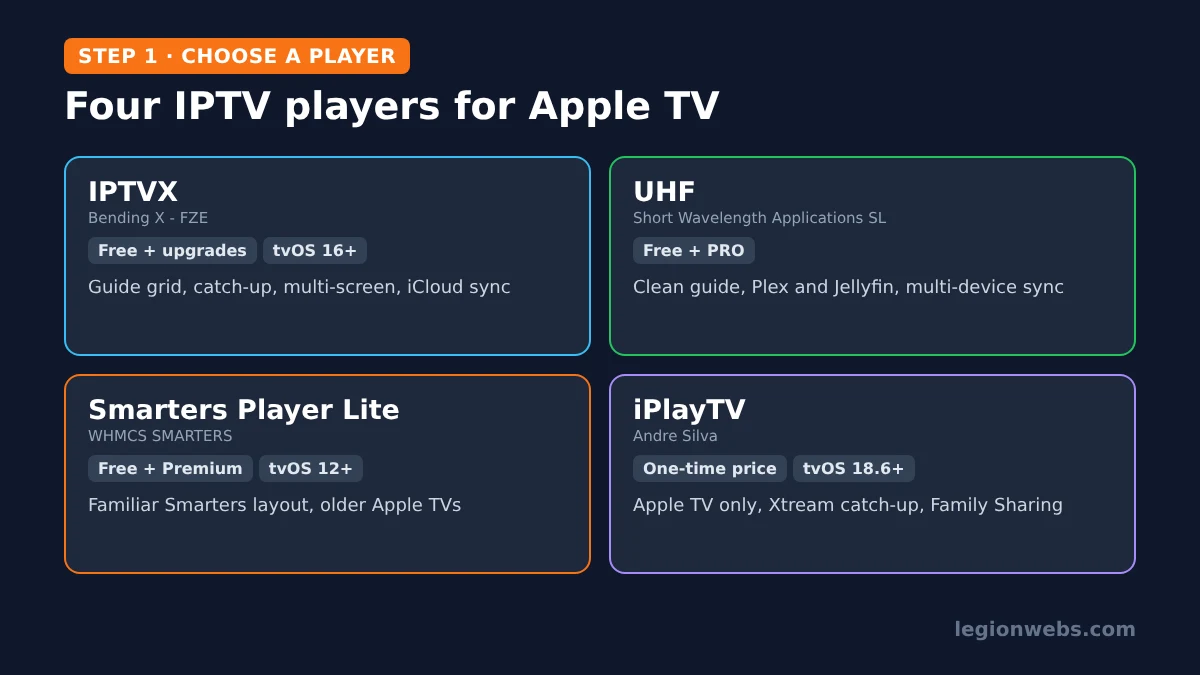
Which one? For the most complete experience, start with IPTVX. If you prefer a one-time price and a newer Apple TV, iPlayTV is a solid choice. If you already use IPTV Smarters on another device, Smarters Player Lite feels familiar. Also, if you use the same player on your iPhone, see IPTV on iPhone; IPTVX and UHF can sync your playlists between the two.
Step 2: Install the player on your Apple TV
Following Apple’s own steps:
- On the Apple TV home screen, open the App Store.
- Select Search and type the player’s name, or hold the microphone button on the Siri Remote and say it.
- Check the developer name against the table above, because look-alike apps exist.
- Select Get (free apps) or the price (paid apps) and confirm.
- Open the player from your Home Screen.
If the player does not appear in search, your Apple TV may be on an older tvOS version. Update it under Settings > System > Software Updates, then search again.
Step 3: Add your playlist on Apple TV (the quick way)
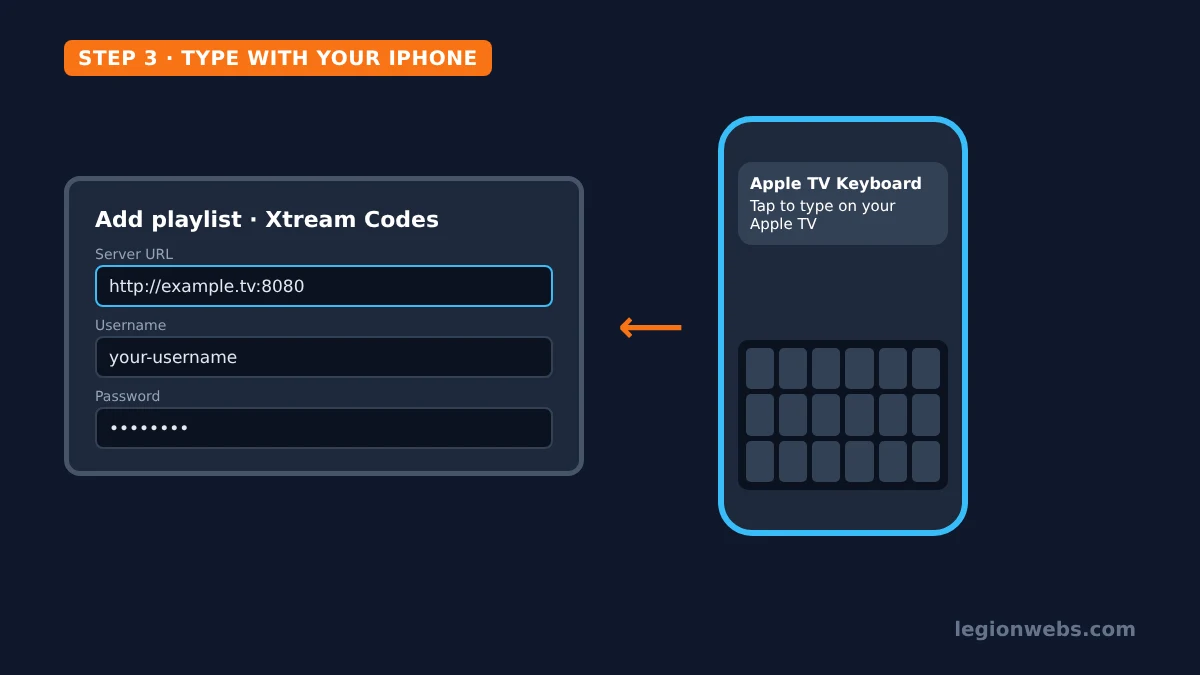
Typing a server address, username and password letter by letter with the Siri Remote takes ages. Fortunately, your iPhone can type for you: when a text field is selected on the Apple TV, a keyboard notification appears on an iPhone signed in to the same Apple Account. Tap it and type normally.
- In the player, choose Add playlist and pick Xtream Codes (recommended) or M3U / URL. See M3U vs Xtream Codes if you are unsure.
- Select the first field. On your iPhone, tap the Apple TV Keyboard notification.
- Enter the server URL exactly as your provider sent it, including http:// and the port, then the username and password. Paste from your provider’s email to avoid typos.
- Select Save or Add and wait while channels, movies and series load.
Using IPTVX or UHF on your iPhone too? Then you may not need to type at all: add the playlist on the iPhone and let the app’s sync bring it to the Apple TV.
Step 4: Load the TV guide and organise channels
- Guide: Xtream Codes playlists usually load the guide automatically. With M3U, add the EPG link in the player’s settings. If shows look shifted by hours, use the player’s EPG time shift option. For more, see how to add EPG to IPTV.
- Hide groups: hide the channel groups you never watch, so the list and guide load faster.
- Favourites: press and hold the touch surface or clickpad on a channel to add it to Favourites in most players.
Step 5: Best Apple TV settings for IPTV
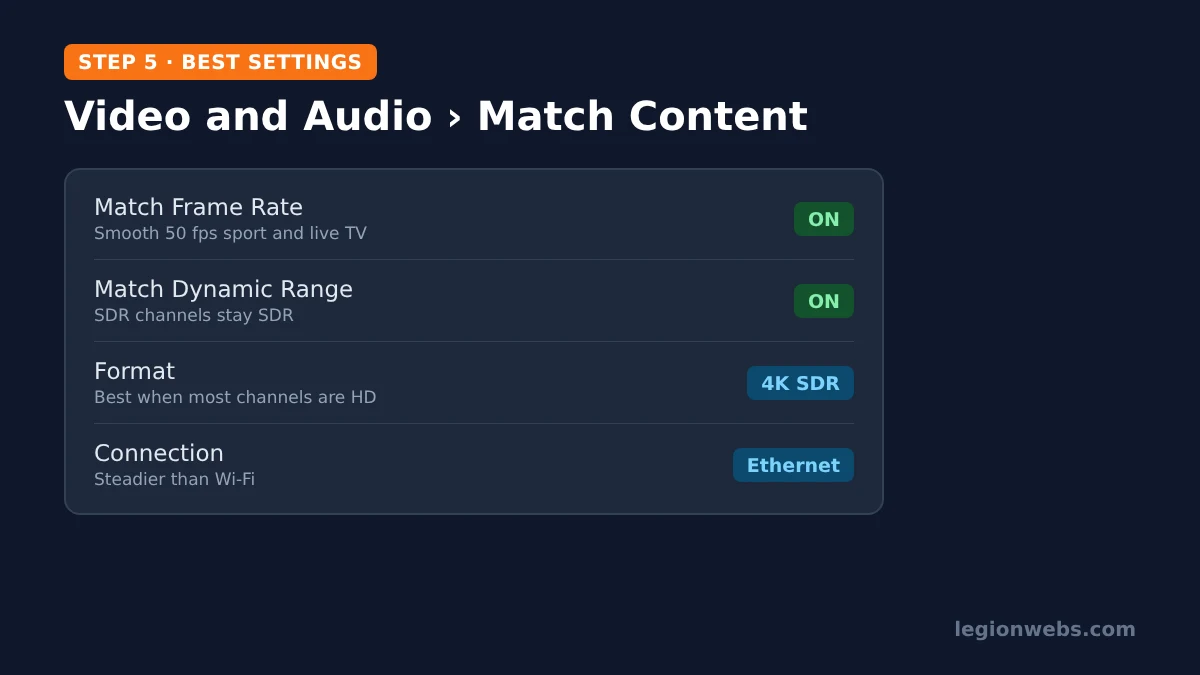
IPTV channels come in many frame rates and formats. Therefore, a few tvOS settings make a visible difference:
| Setting | Where | Why |
|---|---|---|
| Match Frame Rate | Settings > Video and Audio > Match Content | Plays 50 fps channels at 50 Hz, so sport and live TV look smooth instead of juddering |
| Match Dynamic Range | Same menu | Shows normal channels in SDR and only switches to HDR when the content is HDR |
| Format | Settings > Video and Audio > Format | Choose 4K SDR if most of your channels are HD; it avoids washed-out colours |
| Ethernet | Back of the box (models with a port) | A cable gives a steadier stream than Wi-Fi |
| Automatic updates | Settings > Apps | Keeps players up to date with fixes |
Also check your connection: 4K channels need much more bandwidth than HD. Our guide to internet speed for IPTV shows how much you need per stream.
Using a VPN with IPTV on Apple TV
Since tvOS 17, the Apple TV can run VPN apps directly. Both NordVPN and IPVanish offer Apple TV apps, which helps if your internet provider slows down streaming in the evening. Disclosure: these are affiliate links; we may earn a commission at no extra cost to you. Install the VPN from the App Store, sign in and connect before opening your player. For the full picture, read VPN on smart TV and VPN for IPTV.
IPTV on Apple TV not working? Quick fixes
| Problem | Likely cause | Fix |
|---|---|---|
| Player not found in the App Store | Old tvOS, or an Apple TV 3rd generation | Update tvOS; a 3rd-gen box cannot install apps |
| “Invalid login” or no channels | Typo or expired line | Re-enter the details with the iPhone keyboard; check the line with your provider |
| Picture judders on sport | Frame rate mismatch | Turn on Match Frame Rate |
| Colours look washed out | HDR forced on SDR channels | Turn on Match Dynamic Range or set Format to 4K SDR |
| Buffering | Wi-Fi signal or busy server | Use Ethernet, try another channel, see IPTV buffering fixes |
| Guide empty | EPG not linked or time offset | Add the EPG link and adjust time shift; see EPG not loading |
IPTV on Apple TV: FAQ
Can I install TiviMate on Apple TV?
No. TiviMate is only made for Android TV devices. On Apple TV, IPTVX and iPlayTV offer a similar guide-based experience.
Does IPTV work on the Apple TV 3rd generation?
No. That model has no App Store, so it cannot install IPTV players. You need an Apple TV HD or Apple TV 4K.
Are IPTV players for Apple TV free?
IPTVX, UHF and Smarters Player Lite are free to download with optional upgrades; iPlayTV is a one-time purchase. Your IPTV subscription is a separate cost.
Can I AirPlay IPTV from my iPhone instead?
Yes, but a player installed on the Apple TV itself is more reliable and keeps your phone free. AirPlay is handy for a quick one-off.
Is Apple TV or Fire TV better for IPTV?
Apple TV is smoother and has excellent picture settings, but Fire TV has more players, including TiviMate, and costs less. Compare devices in IPTV devices.
What’s next
- IPTV on iPhone: use the same players on your phone and iPad.
- VPN on smart TV: add a VPN to Apple TV and other TVs.
- Internet speed for IPTV: how much speed 4K streams need.
- IPTV devices: how Apple TV compares with Fire TV and Android TV boxes.
Free download
Firestick + IPTV Setup Checklist
Two printable pages: install, login, the settings that make it faster and quick fixes for buffering and an empty guide.
We'll send occasional new guides. No spam, unsubscribe any time. Privacy