
cPanel vs hPanel: Hosting Control Panels Explained
This guide may contain affiliate links. If you buy through them we may earn a commission at no extra cost to you. As an Amazon Associate I earn from qualifying purchases. Learn more.
Lessons 9 of 10
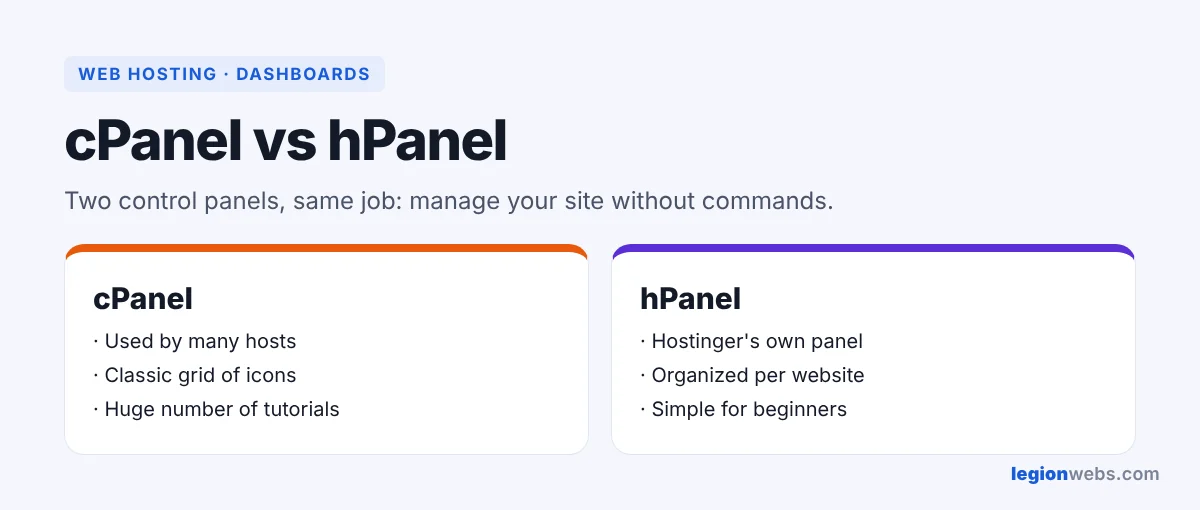
Quick Overview: A hosting control panel is the dashboard where you manage your website, domains, email, files, databases and backups. cPanel is the classic panel used by many hosts, while hPanel is Hostinger’s own panel. This lesson explains what a control panel does, compares cPanel vs hPanel, and shows the tasks you will use most.
Without a control panel, managing a server means typing commands. Instead, a control panel turns those jobs into buttons. As a result, you can create an email address, install WordPress or restore a backup in a few clicks, without any technical background.
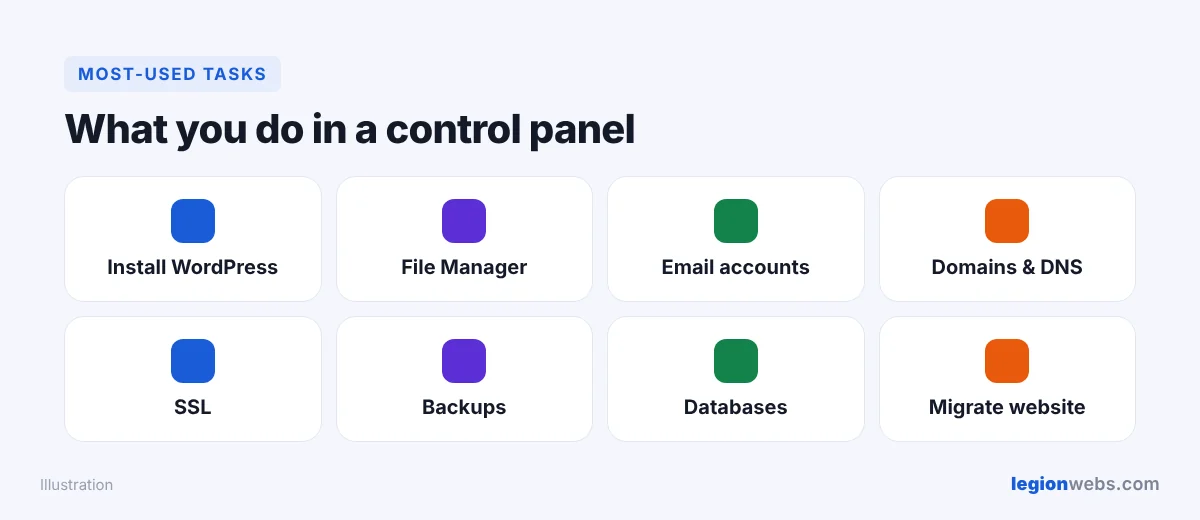
What a hosting control panel does
| Task | Where you find it (typical) |
|---|---|
| Install WordPress | Auto installer or WordPress section |
| Manage files | File Manager |
| Create email addresses | Emails or Email Accounts |
| Point domains and edit DNS | Domains, DNS Zone |
| Turn on SSL | Security or SSL |
| Restore a backup | Backups |
| Create databases | Databases (MySQL) |
cPanel vs hPanel: what is cPanel?
cPanel has been around since 1996 and is still one of the most common panels in shared hosting. The software group WebPros now owns it, according to Wikipedia. Because so many hosts use it, tutorials are everywhere; similarly, moving between cPanel hosts is easy. On the other hand, hosts pay a license per account, which is one reason some providers built their own panels.
cPanel vs hPanel: what is hPanel?
hPanel is the control panel built by Hostinger for its own customers. For example, it groups everything per website, with large buttons for WordPress, email, domains, SSL and backups. In addition, it includes Hostinger tools such as the website migration request and the WordPress installer used in our WordPress blog lesson.
cPanel vs hPanel: side by side
| cPanel | hPanel | |
|---|---|---|
| Made by | WebPros, used by many hosts | Hostinger, for Hostinger only |
| Look | Classic grid of many icons | Modern, organized per website |
| Learning curve | Medium; many options | Low; fewer, larger options |
| Tutorials | Huge number online | Hostinger’s own guides |
| Moving to another host | Easy between cPanel hosts | Use a migration plugin or the new host’s service |
cPanel vs hPanel tips for beginners
- Turn on SSL for every domain before you launch.
- Also, check that backups run, and try one test restore.
- In addition, use strong passwords and two-factor login for your hosting account.
- Avoid editing files you do not understand; take a backup first.
Frequently Asked Questions
Is hPanel better than cPanel?
Neither is better for everyone. hPanel is simpler for beginners, while cPanel is familiar to many developers and works across many hosts.
Can I use cPanel on Hostinger?
Hostinger’s shared and WordPress plans use hPanel. Therefore, if you need cPanel specifically, choose a host that offers it.
Do I need a control panel for WordPress?
You use it to install WordPress, set up email and manage backups. After that, most daily work happens inside WordPress itself.
What’s next
Now you know your way around cPanel vs hPanel. Next, start a WordPress blog on Hostinger, or learn how to move a website to a new host.
We recommend Hostinger for beginners: affordable plans, free SSL, one-click WordPress install and 24/7 support.
Get started with Hostinger →