
What Is Web Hosting? How It Works (Beginner Guide)
This guide may contain affiliate links. If you buy through them we may earn a commission at no extra cost to you. As an Amazon Associate I earn from qualifying purchases. Learn more.
Lessons 1 of 11
Quick Overview: Web hosting is a service that stores your website’s files on a server connected to the internet, so anyone can open your site at any time. In this lesson you learn what web hosting is, how it works step by step, what you get with a hosting plan, and what you need to start.
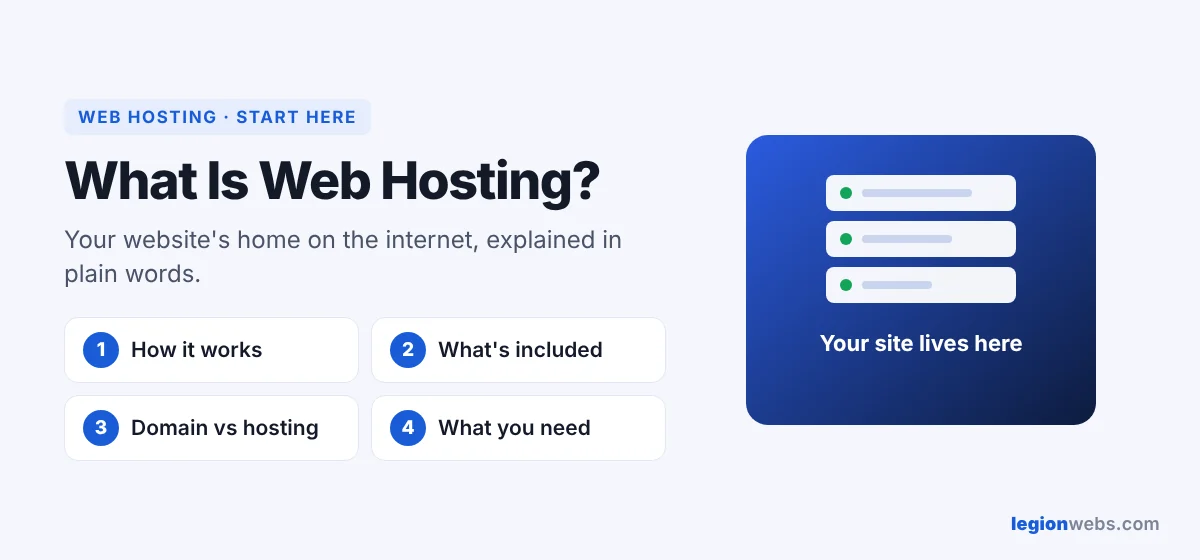
Every website is made of files: pages, images, code and often a database. Those files must live on a computer that is always on and always online. That computer is a server, and renting space on it is called web hosting. In other words, the host is your website’s home on the internet.
How web hosting works, step by step
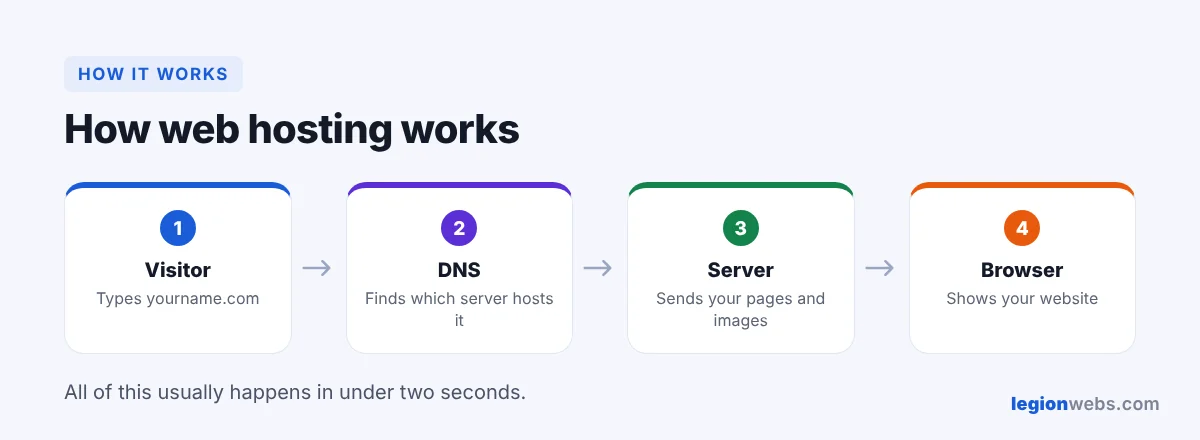
- First, you upload your website (or install WordPress) to your hosting account.
- Then a visitor types your domain name, for example yourname.com, into a browser.
- Next, the domain system (DNS) tells the browser which server holds your site.
- The server sends your pages and images to the visitor’s browser.
- Finally, the browser shows your website, usually in under a second or two.
What a web hosting plan includes
| Feature | What it means |
|---|---|
| Storage (disk space) | Room for your files, images and database |
| Bandwidth | How much data visitors can download from your site |
| SSL certificate | The padlock and https://, which keeps visitors’ data safe |
| Email accounts | Addresses such as [email protected] |
| Control panel | A dashboard to manage everything, such as cPanel or hPanel |
| Backups | Copies of your site you can restore if something breaks |
| Support | Help from the host when you are stuck |
For details on two of these, see disk space and bandwidth in web hosting.
Web hosting vs a domain name
People often mix these up. Your domain is the address (yourname.com), while web hosting is the house where your site lives. You need both, and many hosts sell them together. Our lesson Domain Name vs Web Hosting explains the difference in detail.
Types of web hosting at a glance
Hosting comes in several types, from cheap shared plans to powerful dedicated servers. For a new blog or small business site, shared hosting is usually enough. As your traffic grows, you can move up to VPS or cloud hosting. Compare them all in Types of Web Hosting.
What you need to start with web hosting
- A hosting plan, for example from Hostinger, which installs WordPress for you
- A domain name (many plans include one for the first year)
- Your content: text, images and a clear goal for the site
Ready to build? Follow How to Start a WordPress Blog on Hostinger.
Frequently Asked Questions
Can I host a website on my own computer?
Technically yes, but your computer would need to stay on and online all the time, with a fixed address and good security. As a result, almost everyone uses a hosting company instead.
Do I need web hosting for a WordPress site?
Yes, for a self-hosted WordPress.org site. WordPress is free software, but it must run on a web hosting server.
How much does web hosting cost?
Shared hosting is the cheapest option, while VPS, cloud and dedicated servers cost more. Renewal prices are often higher than the first term, so check both. See How to Choose a Web Hosting Provider.
For a technical background, see What is a web server? (MDN).
What’s next
Now you know what web hosting is. Next, compare the types of web hosting, or see the full Web Hosting track.
We recommend Hostinger for beginners: affordable plans, free SSL, one-click WordPress install and 24/7 support.
Get started with Hostinger →