
Free VPN for Firestick: Safe Options, Limits and Better Alternatives
This guide may contain affiliate links. If you buy through them we may earn a commission at no extra cost to you. As an Amazon Associate I earn from qualifying purchases. Learn more.
Lessons 13 of 14
Quick Overview: A few trustworthy free VPNs work on Firestick, notably Proton VPN Free, Windscribe Free and Hide.me Free, all in the Amazon Appstore. However, none of them is built for streaming: they limit locations, devices or data, and a 10 GB monthly cap lasts only about two hours of Full HD. For regular streaming or IPTV, a paid VPN tried through its money-back guarantee (30 days for NordVPN and IPVanish, 31 days for PureVPN) is the safer “free” option. Avoid unknown free VPN apps entirely.
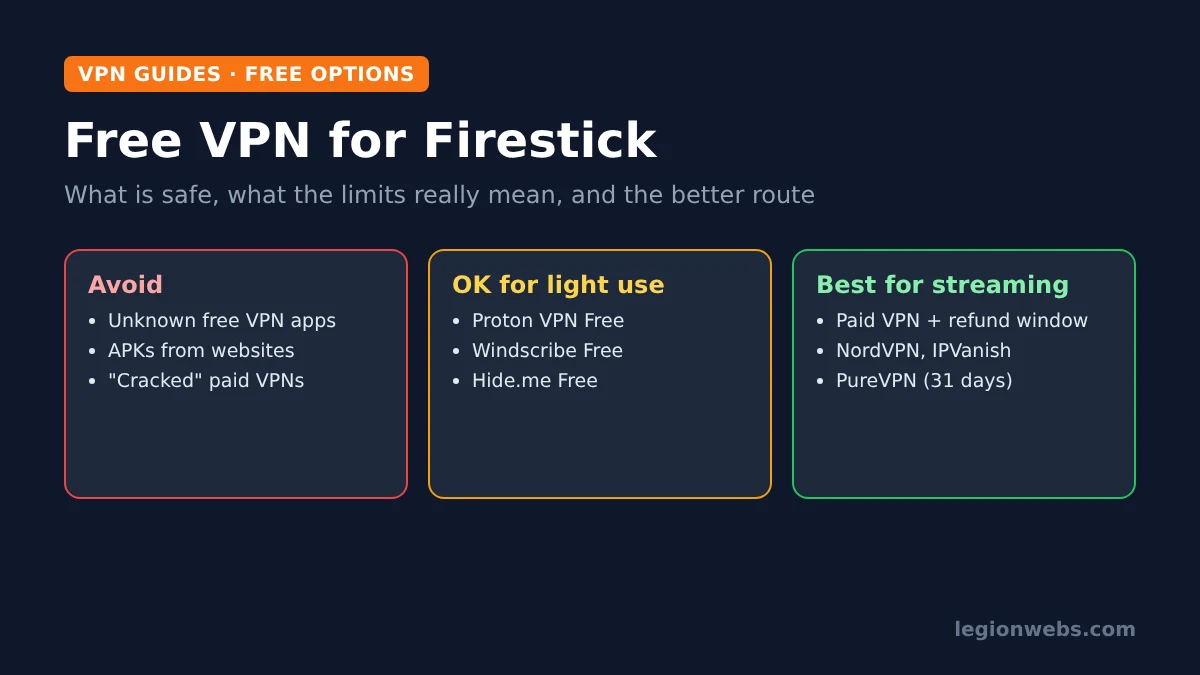
Searching for a free VPN for Firestick is completely reasonable: why pay if you only want privacy now and then? The problem is that “free” often comes at a hidden cost, and even the honest free plans are built for light browsing, not for hours of streaming on a TV. In this lesson, you will learn the real risks, which free VPNs are trustworthy on Fire TV, how far their limits actually go when you stream, and how to get a premium VPN risk-free instead.
Disclosure: Legion Webs is an affiliate of NordVPN, IPVanish and PureVPN. If you sign up through our links, we may earn a commission at no extra cost to you. We have no relationship with the free VPNs mentioned.
The risks of a free VPN for Firestick
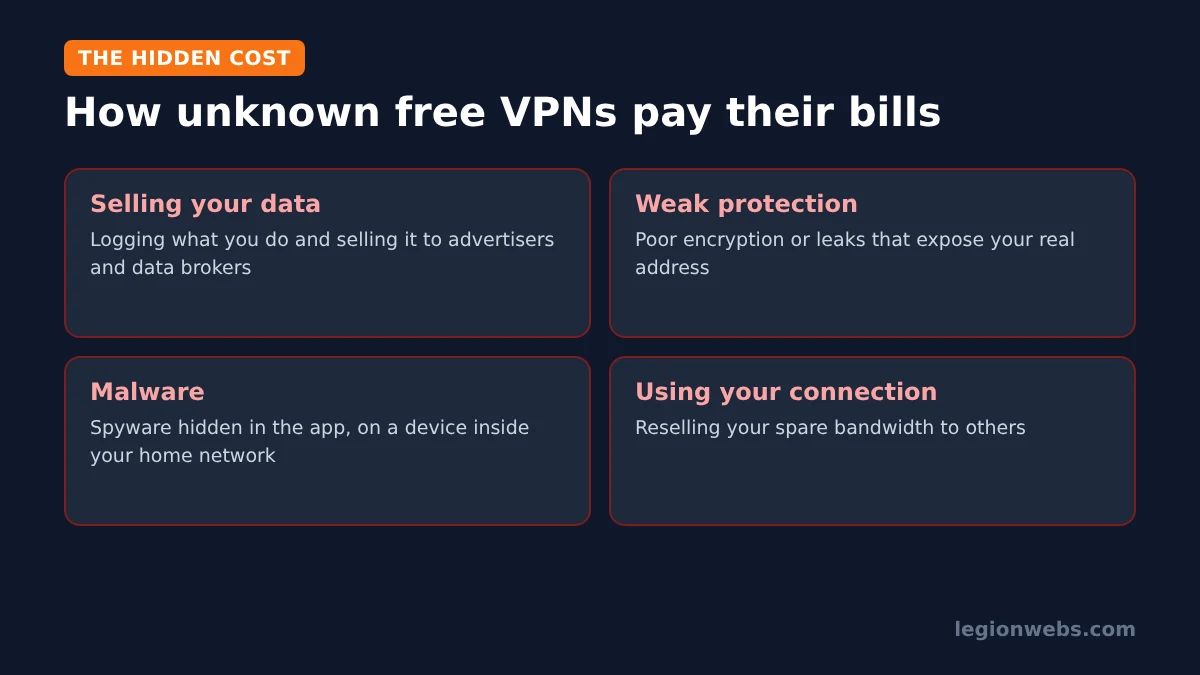
Running VPN servers costs money, so a VPN that charges nothing has to pay for them some other way. As BleepingComputer’s free VPN guide notes, the common problems with unknown free VPNs are:
- Selling your data: some log what you do and sell it to advertisers and data brokers, the opposite of what a VPN is for.
- Weak protection: some lack proper encryption or leak your real address.
- Malware: some apps hide spyware, which is especially risky on a device connected to your home network.
- Using your connection: one well-known free VPN, Hola, was reported to sell its users’ spare bandwidth.
That does not mean every free VPN is dangerous. Reputable companies offer free plans as a “taster” for their paid service, and they fund them with paying customers rather than with your data. Those are the only free options worth considering.
Free VPN for Firestick: the trustworthy options
All three of these have apps in the Amazon Appstore and come from established VPN companies. Their free plans differ mainly in data, locations and devices:
| Free VPN | Data | Locations | Devices | Streaming services |
|---|---|---|---|---|
| Proton VPN Free | Unlimited | A few countries | 1 | Not supported on free |
| Windscribe Free | 10 GB a month (2 GB without confirming your email) | 10 countries | Unlimited | Not supported on free |
| Hide.me Free | Unlimited | 8 countries | 1 | Not supported on free |
In short, Proton VPN Free is the best pick for unlimited data on one device, Windscribe Free is good for occasional use across several devices, and Hide.me Free sits in between. On the other hand, none of them unlocks streaming services, and their free servers are shared by many users, so evening speeds can drop.
How far does a free VPN go when you stream?
Data caps sound generous until you put them next to video. As we explain in internet speed for IPTV, live streams use roughly 1.4 GB an hour in SD, 4.5 GB in Full HD and up to about 11 GB in 4K. Here is what a 10 GB monthly cap covers:
| Picture quality | Data per hour (approx.) | Viewing on 10 GB a month |
|---|---|---|
| SD | 1.4 GB | About 7 hours |
| HD (720p) | 2.7 GB | About 3.5 hours |
| Full HD (1080p) | 4.5 GB | About 2 hours |
| 4K | 11 GB | Under 1 hour |
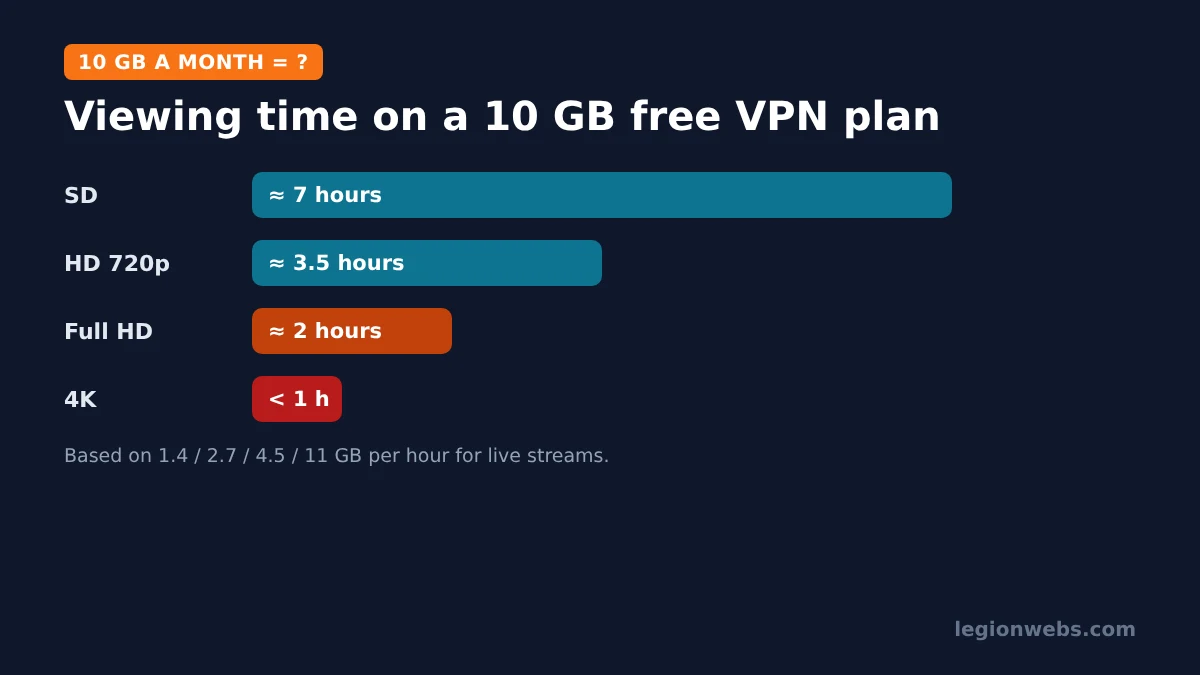
Unlimited-data free plans avoid this, but they usually limit you to one device and a few busy servers. Therefore, free VPNs suit occasional privacy, such as checking something on public Wi-Fi, rather than nightly TV.
How to install a free VPN on Firestick
- Press Home, open Find > Search and type the VPN’s name, for example Proton VPN.
- Check that the app comes from the VPN company itself, then select Get.
- Open the app, create a free account or sign in, and accept the Fire TV connection request.
- Connect to the suggested server.
Only install VPNs from the Amazon Appstore. A “free VPN” APK from a random website is one of the riskiest things you can put on a Fire Stick. For the full method, see how to install a VPN on Firestick.
A better “free” option: a paid VPN with a money-back guarantee
If you want a VPN for streaming or IPTV, the smartest approach is to pick a premium VPN and use its refund window as a free trial. You get the full service, with no data cap, fast servers and every feature, and if it does not suit you, you ask for your money back within the window.
| VPN | Money-back window | Devices | Fire TV app | Good for |
|---|---|---|---|---|
| NordVPN | 30 days | 10 | Yes, including Vega OS | Best all-rounder; QR sign-in on TV |
| IPVanish | 30 days on 1- and 2-year plans | Unlimited | Yes, plus a kill switch app | Big households; kill switch on Fire TV |
| PureVPN | 31 days | 10 | Yes | WireGuard and split tunneling on Fire TV |
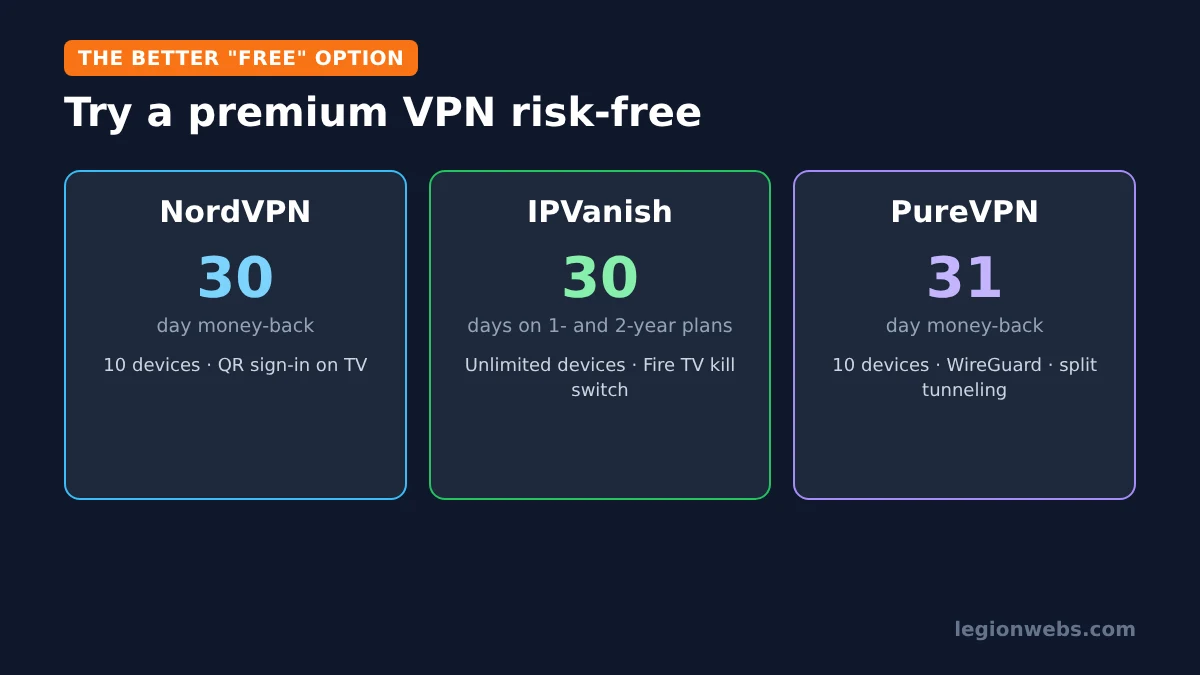
According to PureVPN’s Fire TV page, its app is in the Amazon Appstore, supports WireGuard and split tunneling, covers 10 devices and comes with a 31-day money-back guarantee. For a closer look at the other two, read NordVPN vs IPVanish.
How to use a refund window safely: note the purchase date, test the VPN on your Fire Stick during busy evening hours, and if you decide against it, contact the provider’s support before the window ends. Check each provider’s refund terms first, because some apply only to certain plans.
Free VPNs and IPTV
Free VPNs are a poor match for IPTV: data caps run out quickly, shared servers buffer at peak times, and some IPTV providers block known free VPN servers. If you use a VPN with IPTV because your internet provider slows streaming in the evening, a paid VPN with split tunneling works far better. Read VPN for IPTV for the details. As always, a VPN protects your privacy; it does not make an unlicensed service legal, so only use licensed IPTV providers.
Free VPNs to avoid
- Any VPN app downloaded as an APK from a website or forum instead of the Amazon Appstore.
- Apps with no clear company name, privacy policy or contact details.
- “Unlimited free” VPNs that promise streaming unblocking, fast speeds and no limits, with no paid plan behind them.
- “Cracked” or “premium unlocked” versions of paid VPNs.
Free VPN for Firestick: FAQ
Is there a completely free VPN for Firestick?
Yes. Proton VPN, Windscribe and Hide.me all offer free plans with Fire TV apps. Each has limits on data, locations or devices, and none supports streaming services.
Which free VPN has no data limit?
Proton VPN Free and Hide.me Free have no data cap, but they allow one device at a time and only a few locations.
Can I use a free VPN for IPTV?
You can, but it rarely works well: capped plans run out within hours, and busy free servers often buffer. A paid VPN tried under its money-back guarantee is a better test.
Is a free VPN safe on Fire TV?
Free plans from established companies are generally safe. Unknown free VPN apps and APKs from websites are not, because many sell data or carry malware.
Which paid VPN can I try risk-free?
NordVPN offers 30 days, IPVanish 30 days on one- and two-year plans, and PureVPN 31 days. Check the current terms before you buy.
What’s next
- Best VPN for Firestick: the paid options compared for Fire TV.
- Install a VPN on Firestick: step-by-step setup for any VPN.
- VPN kill switch: why it matters and where to turn it on.
- VPN for IPTV: when a VPN helps IPTV streams.
Free download
Firestick + IPTV Setup Checklist
Two printable pages: install, login, the settings that make it faster and quick fixes for buffering and an empty guide.
We'll send occasional new guides. No spam, unsubscribe any time. Privacy