
VPN for IPTV: Do You Need One, and How to Set It Up
This guide may contain affiliate links. If you buy through them we may earn a commission at no extra cost to you. As an Amazon Associate I earn from qualifying purchases. Learn more.
Lessons 6 of 10
Quick Overview: A VPN for IPTV encrypts your streams so your internet provider cannot see or slow down your IPTV traffic, and it keeps your viewing private. It does not make an unlicensed service legal, and it can cost some speed. This lesson explains when you need a VPN for IPTV, how to set it up on Fire TV, and the settings that keep streams smooth.
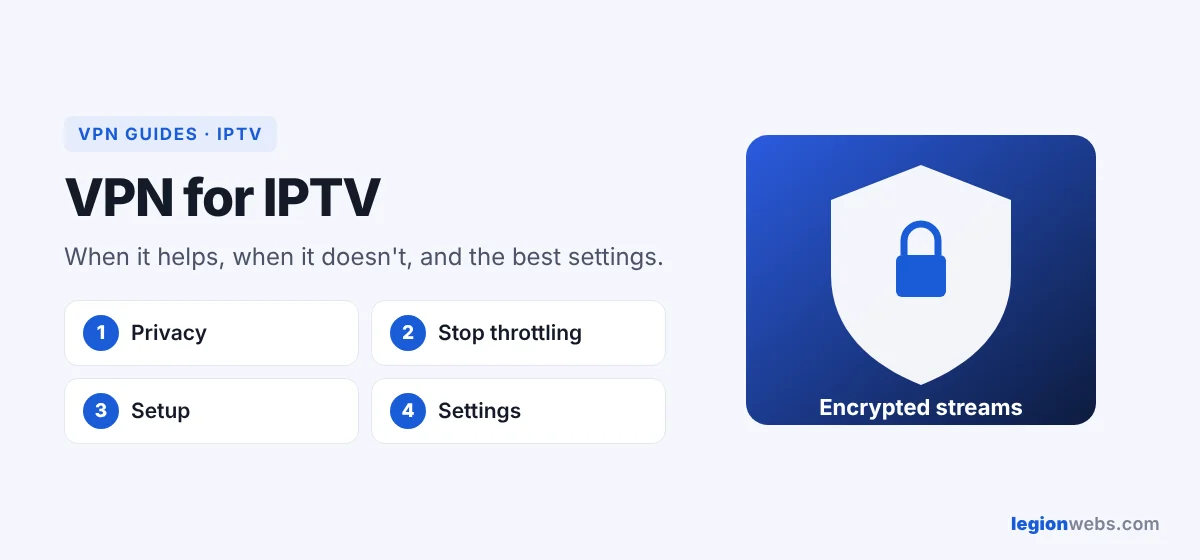
In short, IPTV streams travel over your normal internet connection. Without a VPN, your provider can see which servers you stream from and how much video you watch. In addition, some providers slow down heavy video traffic in the evening. A VPN wraps that traffic in encryption, so it looks like any other data. For a refresher on the basics, see What is a VPN.
Do you need a VPN for IPTV?
| Your situation | VPN helpful? |
|---|---|
| Streams buffer every evening, but are fine in the day | Yes: this often means throttling |
| Your provider blocks the IPTV server, so nothing loads | Yes: the VPN routes around the block |
| You want privacy from your provider | Yes |
| You watch on hotel or public Wi-Fi | Yes |
| Streams are already smooth and privacy is not a concern | Optional |
| Your internet is very slow (under 10 Mbps) | It may make things worse |
What it cannot do
- First, it does not make an unlicensed service legal. Use a licensed IPTV provider.
- Second, it does not fix a bad IPTV server. If the provider’s server is overloaded, the VPN cannot help.
- Finally, it does not add speed beyond your internet plan.
How to set up a VPN for IPTV on Fire TV
- First, install a VPN from the Amazon Appstore. NordVPN, Surfshark, ExpressVPN, Proton VPN and IPVanish all have Fire TV apps; compare them in Best VPN for Firestick.
- Then sign in and turn on auto-connect, so the VPN is always on before your IPTV app opens.
- Next, connect to a server in your own country, close to you.
- Finally, open your IPTV player, such as TiviMate or IPTV Smarters, and play a channel.
For a full walkthrough with one provider, see NordVPN on Firestick.
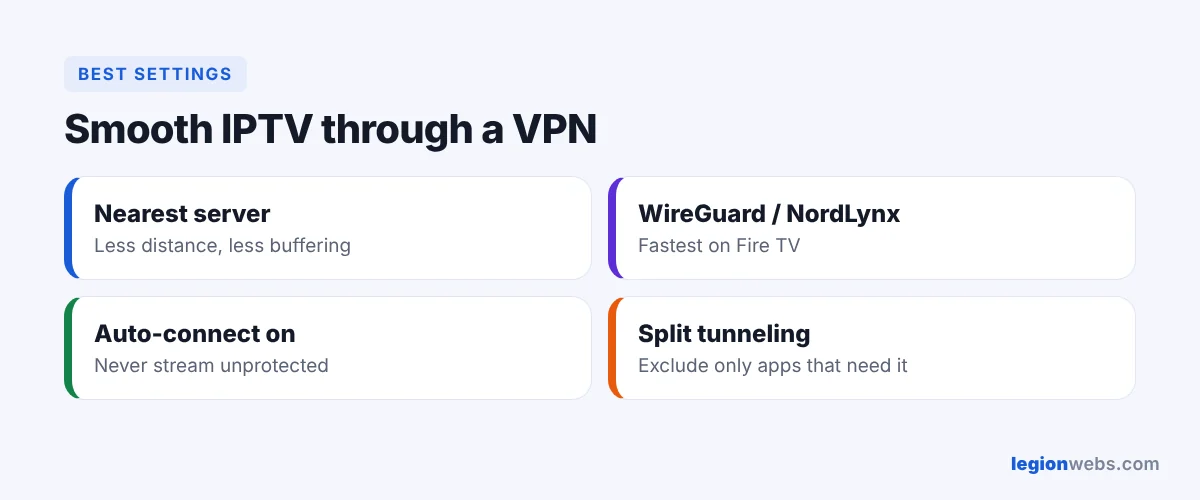
Best settings for smooth streams
- Protocol: use WireGuard or NordLynx, because they are the fastest on a Fire TV.
- Server: choose the nearest one, since a faraway server adds delay and buffering.
- Auto-connect: on, so you never stream unprotected by accident.
- Split tunneling: if your IPTV provider limits VPN connections, exclude only the apps that need it, and keep the VPN on for the rest.
VPN for IPTV: troubleshooting
| Problem | Fix |
|---|---|
| Channels load slower with the VPN | First, switch to a closer server and a WireGuard-based protocol. |
| IPTV login fails only with the VPN on | Try another server; otherwise, exclude the IPTV app with split tunneling. |
| Buffering continues with the VPN on | The problem is likely Wi-Fi or the IPTV server. See IPTV buffering fixes. |
| VPN will not connect at all | See VPN not working on Firestick. |
Frequently Asked Questions
Is a VPN for IPTV legal?
Using a VPN is legal in most countries. However, the IPTV service itself must be licensed; a VPN does not change that.
Will it stop buffering?
Only when your internet provider is slowing down video. Otherwise, it will not help. So if buffering comes from weak Wi-Fi or a busy IPTV server, fix those first.
Can I use a free VPN instead?
Usually not, because most free VPNs have data caps or slow servers, which do not suit hours of video. However, Proton VPN’s free plan has no data cap, but for daily IPTV a paid plan such as NordVPN is more reliable.
What’s next
Your IPTV now streams privately. Next, add a TV guide with How to Add EPG to IPTV, or try a licensed service with a free IPTV trial.
Free download
Firestick + IPTV Setup Checklist
Two printable pages: install, login, the settings that make it faster and quick fixes for buffering and an empty guide.
We'll send occasional new guides. No spam, unsubscribe any time. Privacy