
How to Use NordVPN on Firestick (Setup and Best Settings)
This guide may contain affiliate links. If you buy through them we may earn a commission at no extra cost to you. As an Amazon Associate I earn from qualifying purchases. Learn more.
Lessons 4 of 4
Quick Overview: To use NordVPN on Firestick, install the NordVPN app from the Amazon Appstore, sign in by scanning the QR code with your phone, then press Quick Connect. It works on both Fire OS and the newer Vega OS sticks. This lesson walks through the setup, the best settings for streaming, and the fixes for common problems.
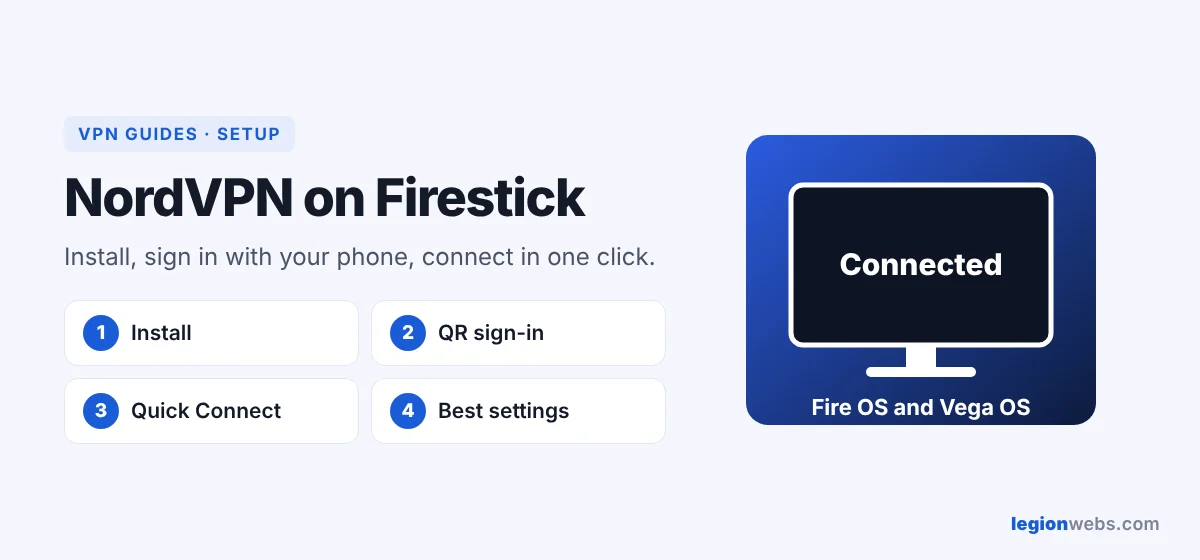
NordVPN has an official Fire TV app, so there is no sideloading and no Downloader needed. One subscription covers up to 10 devices at the same time, according to NordVPN’s support page. As a result, your Fire TV, phone and laptop can all share one plan.
What you need
- A Fire TV device. NordVPN does not support the 1st and 2nd generation Fire TV Stick or the Basic Edition.
- A NordVPN subscription (it has a 30-day money-back guarantee)
- Your phone, to scan the sign-in QR code
Step 1: Install NordVPN on Firestick
- First, select Apps on the home screen and open the Amazon Appstore.
- Then search for NordVPN.
- Next, select Get, then Download.
- Finally, when the download ends, select Open.
Step 2: Sign in with your phone
Because typing a password with a TV remote is slow, the app shows a QR code instead. Simply scan it with your phone camera, log in to your Nord account on the phone, and the TV signs in by itself. Alternatively, use the code shown on screen for remote validation from a computer.
Step 3: Connect NordVPN on Firestick
- First, press Quick Connect. The app picks the fastest server near you.
- When Fire TV asks for permission to set up a VPN connection, select OK. This warning is normal.
- Afterwards, the screen shows Connected and the server country.
To choose a specific location, open the country list instead and select a server. For streaming at home, a server in your own country usually gives the best speed.
Step 4: Best NordVPN settings on Firestick
| Setting | Recommended | Why |
|---|---|---|
| Auto-connect | On (all networks) | As a result, the VPN starts by itself when the stick wakes up |
| VPN protocol | NordLynx | In general, fastest and lightest on a small device |
| Threat Protection | On | Also blocks many ads, trackers and harmful sites |
| Split tunneling | Only if needed | Lets you exclude one app, for example a service that blocks VPNs |
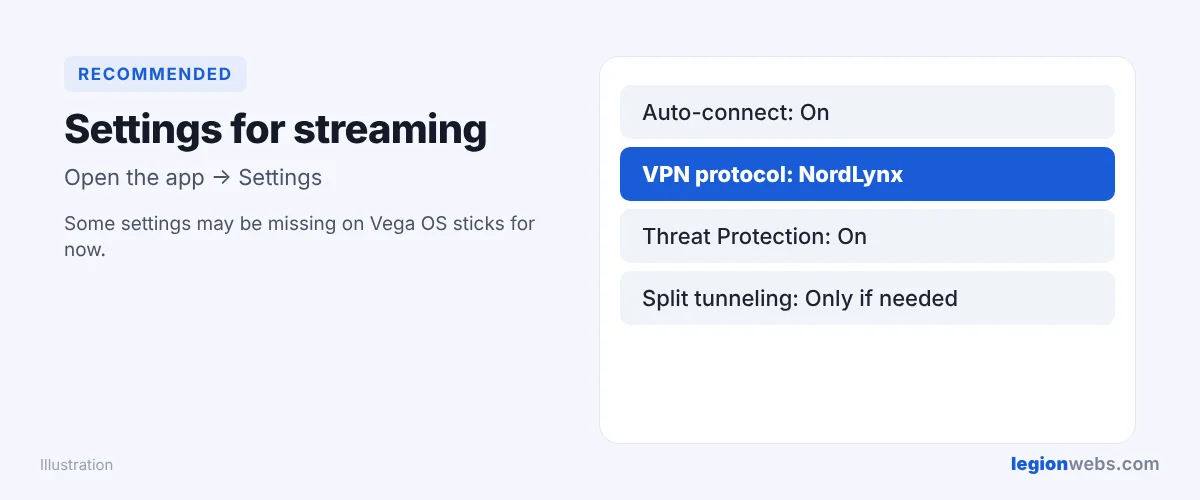
Note: on Vega OS sticks, NordVPN says some features are missing for now. Therefore, if a setting above is not shown, the basic connection still protects you.
Step 5: Check that it works
Open the Silk browser on your Fire TV and search for “what is my IP”. If the location shown matches your NordVPN server, the tunnel is working. After that, play something in your usual app to check the speed.
NordVPN on Firestick: troubleshooting
| Problem | Fix |
|---|---|
| NordVPN not found in the Appstore | Your stick may be too old, so check the model in Settings → My Fire TV → About. |
| Stuck on “Connecting” | First, switch protocol to OpenVPN TCP. Otherwise, try a different server. |
| Streams buffer with the VPN on | Pick a closer server and keep NordLynx. See buffering fixes. |
| One app stops working | In that case, exclude that app with split tunneling. |
For even more fixes, see VPN not working on Firestick.
Frequently Asked Questions
Does NordVPN work on the Fire TV Stick 4K Select?
Yes. NordVPN was the first VPN with an app for Vega OS, which the 4K Select runs. A few advanced settings may be missing there for now.
Is NordVPN free on Firestick?
No. The app is free to download, but you need a paid plan. Still, the 30-day money-back guarantee lets you test it.
Can I use NordVPN with IPTV apps?
Yes. Once connected, every app on the stick goes through the VPN, including TiviMate and IPTV Smarters. See VPN for IPTV for the best setup.
What’s next
NordVPN is now protecting your Fire TV. Next, learn when a VPN helps your streams in VPN for IPTV, or compare other providers in Best VPN for Firestick.