
This page contains affiliate links. If you sign up through them, Legion Webs may earn a commission at no extra cost to you. Learn more.
Keep your streaming private with NordVPN
Stop your internet provider from seeing what you watch, stay safe on any Wi-Fi and keep a steady connection on every device you stream on.
Get NordVPN →What a VPN does, in plain words
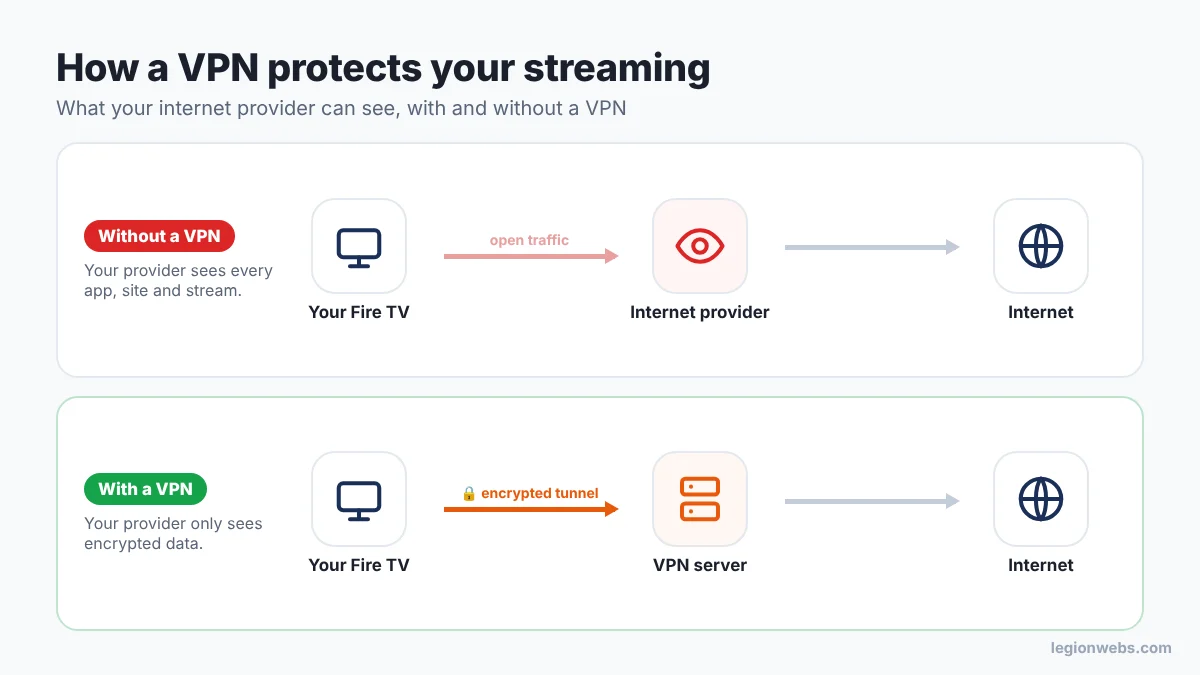
Normally, everything your Fire TV sends and receives passes through your internet provider in a form it can read. As a result, your provider can see which apps you open, which sites you visit and when you stream. A VPN (virtual private network) wraps all of that traffic in an encrypted tunnel to a server run by the VPN company. Your provider then only sees scrambled data going to one server, and nothing about what is inside.
4 reasons to protect your streaming
1. Your viewing stays private
Internet providers can log the apps and sites you use and, in some countries, keep that history for months. With NordVPN connected, that log only shows an encrypted connection to a VPN server. What you watch stays between you and the services you use.
2. You’re safer on hotel and public Wi-Fi
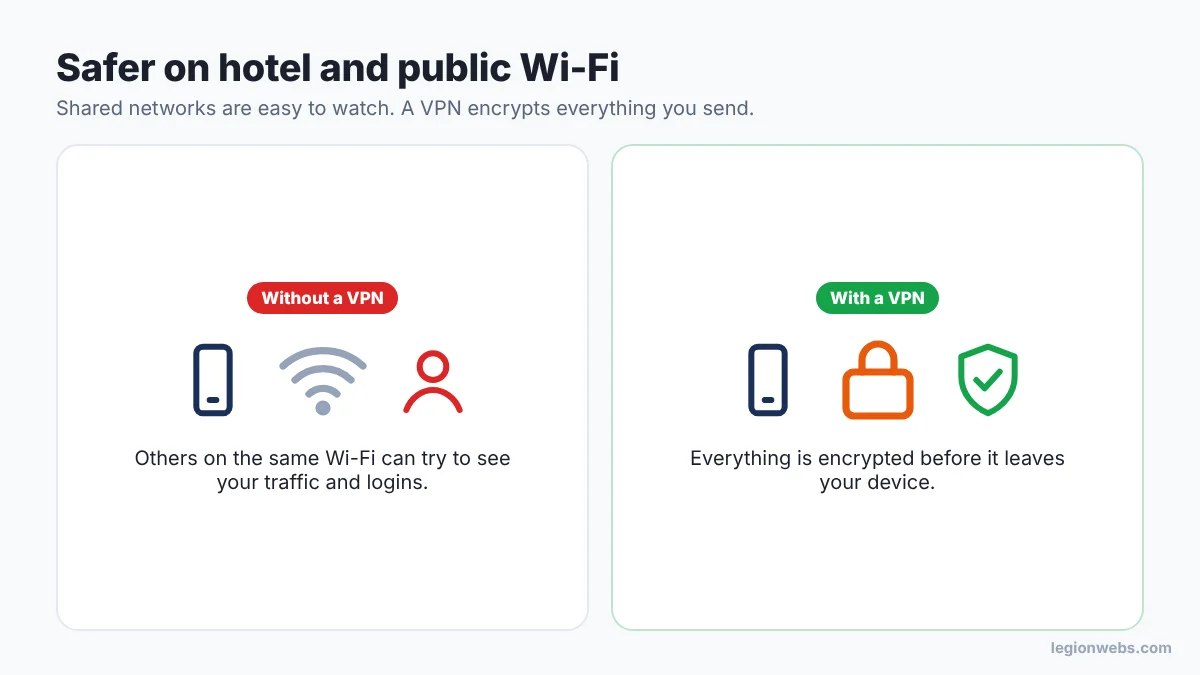
If you take your Fire TV Stick or phone on holiday, you’ll often stream over shared Wi-Fi in hotels, rentals or cafés. Anyone on the same network can try to watch that traffic. A VPN encrypts it before it leaves your device, so it is useless to snoopers.
3. Fewer slowdowns at busy times
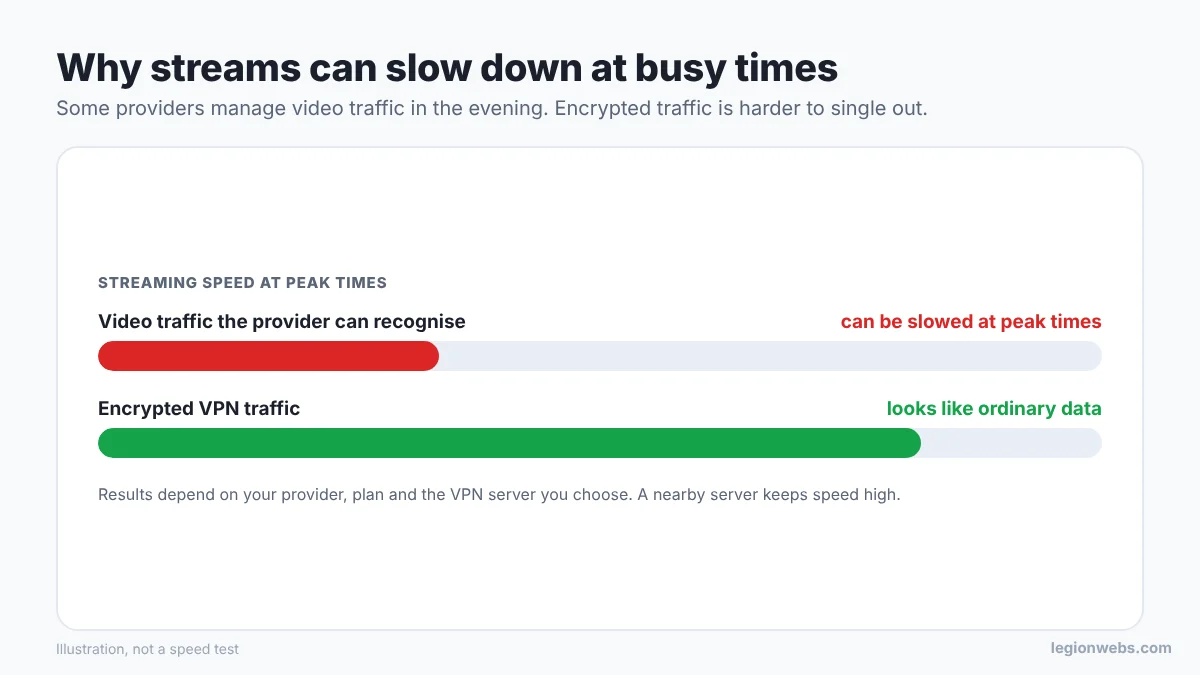
Some providers manage or slow down video traffic in the evening, when everyone is online. They can only do that when they can recognise the traffic. Encrypted VPN traffic looks like ordinary data, so it is much harder to single out. If your streams only buffer at peak times, a VPN is worth testing with the 30-day guarantee.
4. One account protects the whole family
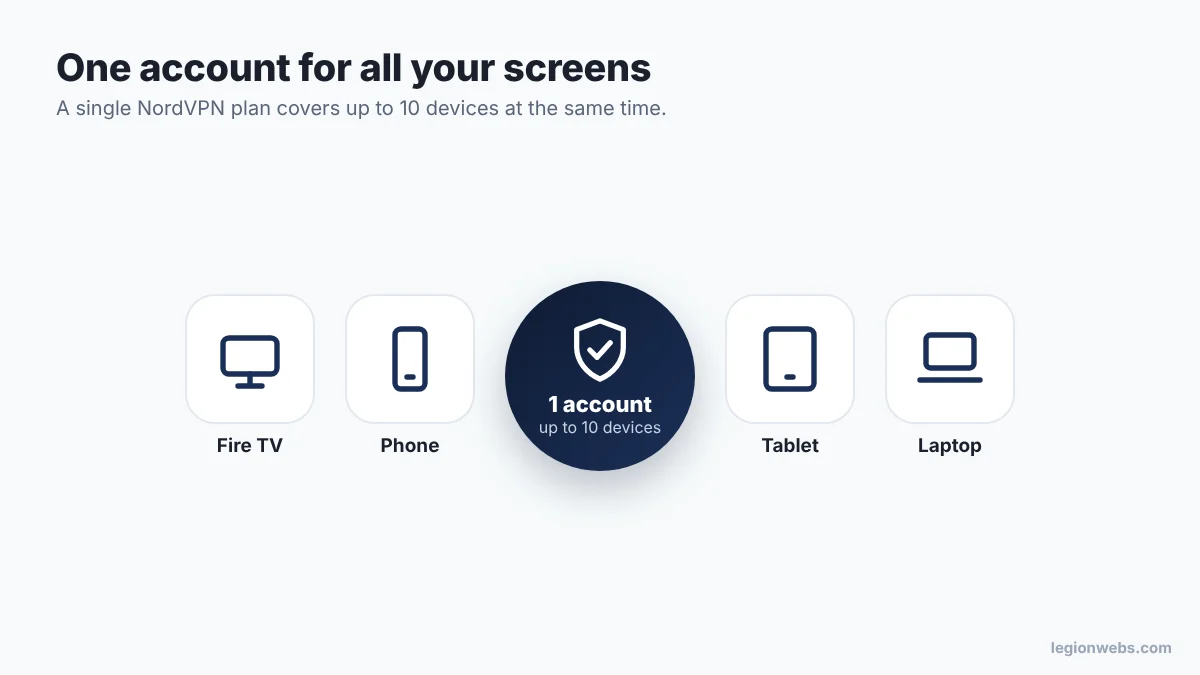
A single NordVPN plan covers up to 10 devices at the same time. So the Fire TV in the living room, the Android TV in the bedroom, your phone, tablet and laptop can all be protected with one login.
Want all four? It takes about 5 minutes to set up.
Get NordVPN →Why we recommend NordVPN
- A real Fire TV app in the Amazon Appstore, also on the newer Fire TV Stick 4K Select. No sideloading.
- Fast enough for 4K with NordLynx, its WireGuard-based protocol.
- One account, up to 10 devices at the same time.
- Independently audited no-logs policy, so your activity isn’t stored.
- Auto-connect and kill switch, so you stay protected every time the TV wakes up.
- 30-day money-back guarantee, so you can test it on your own connection.
No VPN vs NordVPN
| No VPN | With NordVPN | |
|---|---|---|
| Provider can see your apps and streams | Yes | No, only encrypted data |
| Public and hotel Wi-Fi | Traffic exposed | Encrypted |
| Video singled out at peak times | Possible | Much harder |
| Devices covered | – | Up to 10 |
| Extra cost | None | Low monthly price, 30-day refund |
Who it’s for
Protect everything you stream on the big screen with one app.
Cover every TV, phone and tablet at home with one account.
Stay safe on hotel and holiday-rental Wi-Fi.
What a VPN doesn’t do
We want you to buy it for the right reasons, so here is the honest list:
- It doesn’t make your internet faster than your plan. If your line is slow, a VPN can’t fix that.
- It doesn’t fix buffering caused by your Wi-Fi signal or an overloaded stream. See how to fix IPTV buffering first.
- It doesn’t change what is legal. Only watch content you have the right to watch.
Set up NordVPN on Fire TV in 5 minutes
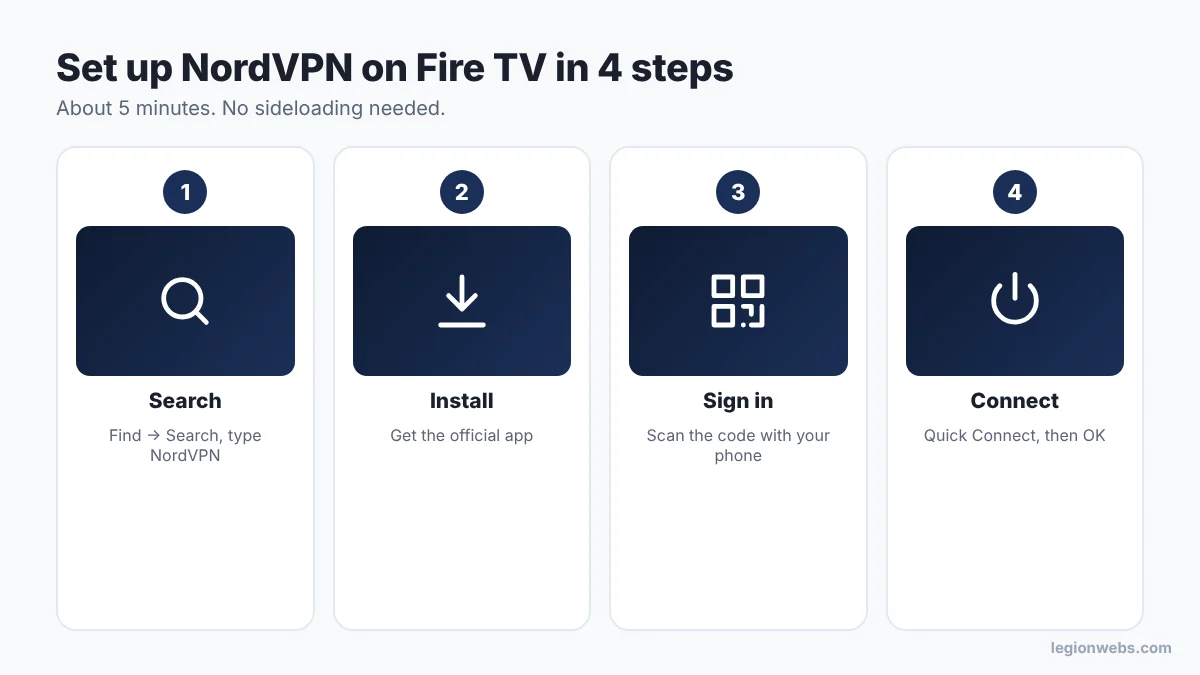
- Get your NordVPN plan with the button on this page. It is easiest on your phone.
- On your Fire TV, go to Find → Search, type NordVPN and install the official app.
- Sign in: scan the code on the TV with your phone, or type your email and password.
- Select Quick Connect and press OK on the connection request. Turn on auto-connect in the settings. Done.
Want screenshots and the best settings? Read our full lesson: How to Install a VPN on Firestick.
Quick answers
Will it slow down my streams?
A little, because of encryption. Pick the nearest server and keep the NordLynx protocol, and most people don’t notice it. If your provider slows down video at busy times, it can even make streams smoother.
Is using a VPN legal?
Yes, in most countries. A VPN protects your privacy, but it doesn’t change what is legal: only watch content you have the right to watch.
Can I cancel?
Yes. NordVPN offers a 30-day money-back guarantee on its plans. Check the current terms on their site when you sign up.
Can I use it on my phone too?
Yes. One subscription covers up to 10 devices at the same time.
Should I keep it on all the time?
Yes, that’s the easiest way. Turn on auto-connect so it starts with your Fire TV. If one app doesn’t like VPNs, use split tunneling to let that app skip it.
Which server should I choose?
Quick Connect picks a fast one for you. Usually the nearest country or city gives the best speed.
Ready to protect your streaming?
See today’s NordVPN deal and start in minutes.
Get NordVPN →30-day money-back guarantee · Prices and offers are set by NordVPN.